


The best email sequence software automates a planned series of emails and follow-ups while stopping, branching or changing the sequence according to each recipient’s response.
Email sequence tools range from simple Gmail extensions to complete multichannel sales-engagement platforms. The right choice depends on whether you need targeted cold email, high-volume sending, prospect data, CRM synchronization or a combination of email, LinkedIn and calls.
What is an email sequence tool?
An email sequence tool is software that sends a predefined series of messages according to timing rules or recipient actions. It automates follow-ups, personalizes messages, tracks engagement and stops the sequence when someone replies or meets another exit condition.
For example, a basic cold email sequence might contain:
- An opening email
- A follow-up three days later
- A value-focused follow-up five days after that
- A final message if the recipient still has not replied
More advanced software creates different paths according to conditions. A prospect who replies may leave the sequence, while someone who does not respond receives the next scheduled step.
Best email sequence software compared
Prices were checked in August 2026. They show the lowest publicly available monthly entry point unless otherwise stated. Features and prices may change.
| Tool | Best for | Key sequencing feature | Starting price |
|---|---|---|---|
| Woodpecker | Targeted B2B outreach and agencies | Condition-based email and LinkedIn sequences with deliverability protection | Free entry plan; paid from $35/month |
| Instantly | High-volume, multi-inbox cold email | Unlimited sending accounts and automated warm-up | $47/month |
| Smartlead | Agencies running large outreach operations | Unlimited mailboxes with a unified master inbox | $39/month |
| Apollo | Prospect data and outreach in one platform | Sequences connected to a B2B contact database | Free plan; paid from $49/user/month, billed annually |
| lemlist | Personalized multichannel outreach | Email, LinkedIn, calls and tasks in one sequence | $69/month for email |
| Reply.io | Sales teams combining several channels | Email, LinkedIn, calls, SMS and WhatsApp steps | $59/user/month |
| Saleshandy | Teams connecting many sending accounts | AI-assisted sequences with unlimited email accounts | $36/month or $25/month annually |
| Mailshake | Straightforward sales outreach | Automated email sequences with optional calling | $29/month |
| GMass | Sequences sent directly from Gmail | Gmail-based campaigns and automatic follow-ups | $29.95/month |
| Salesloft | Enterprise sales teams | CRM-connected sales cadences and rep task management | Custom pricing |
| Outreach | Enterprise revenue organizations | AI-supported multichannel sequences and revenue workflows | Custom pricing |
There is no universal winner for every team. Woodpecker is the strongest fit for targeted B2B cold email where personalization, reply detection and deliverability matter. Apollo combines data and outreach, while Salesloft and Outreach serve larger organizations that need enterprise controls.
What should email sequence software do?
At a minimum, an email sequence tool should let you:
- Create a series of scheduled messages
- Personalize emails using recipient data
- Set delays between steps
- Stop sending after a reply
- Exclude recipients who opt out
- Track replies, bounces and delivery
- Connect one or more email accounts
- Control daily limits and sending windows
- Review sequence performance
More advanced platforms also support:
- Condition-based branches
- Multiple sending inboxes
- LinkedIn actions
- Phone and SMS steps
- A/B or multivariate testing
- Centralized reply management
- CRM synchronization
- Prospect databases and enrichment
- Email verification
- Domain and mailbox monitoring
- Agency workspaces
- APIs and webhooks
Features should match your workflow. A freelancer sending a few carefully targeted campaigns may not need an enterprise dialer. A large SDR team may quickly outgrow a Gmail extension without CRM governance or team reporting.
Email sequence software vs. email outreach software
Email sequence software focuses on automating an ordered series of messages.
Email outreach software normally includes sequencing plus tools for managing prospects, monitoring replies, protecting deliverability and coordinating several inboxes. Many modern platforms belong to both categories.
Email marketing automation serves a different use case. It is generally built for opted-in audiences receiving newsletters, promotions, product updates or lifecycle campaigns. Cold email sequence tools are built around one-to-one-style business outreach from connected mailboxes.
After consolidating the overlapping pages, this article should own both email sequence software and the closely related email outreach software intent.
Email sequence vs. email cadence
People often use “sequence” and “cadence” interchangeably, but they emphasize different parts of the outreach process.
| Term | Meaning | Example |
|---|---|---|
| Email sequence | The ordered messages and actions a recipient receives | Opening email → case study follow-up → final question |
| Email cadence | The timing, spacing and rhythm of those messages | Day 1 → Day 4 → Day 9 |
| Multichannel cadence | A schedule combining email with other actions | Email → LinkedIn view → call → follow-up email |
A sequence defines what happens. A cadence defines when it happens.
In practice, sales platforms may call the complete workflow a sequence, cadence, campaign or play. The important point is whether the software supports the steps, delays, conditions and channels your team needs.
A carefully designed email cadence avoids sending messages so frequently that they feel intrusive or leaving so much time between them that the context disappears.
Who benefits from email sequencing tools?
Sales teams
Sales teams use sequences to manage first contacts, follow-ups and meeting requests without relying on individual reminders.
The software gives every rep a repeatable process while preserving room for recipient-specific personalization. Managers also get a clearer view of which messages generate replies and meetings.
Lead generation agencies
Agencies need to separate clients, campaigns, domains and reporting. The strongest agency tools provide dedicated workspaces, centralized inboxes, white-label reports and controls for multiple sending accounts.
Pricing structure matters here. Per-seat software and plans that charge for every connected mailbox may become expensive as the client portfolio grows.
Recruiters
Recruiters use email sequences to contact candidates, follow up after an initial message and pause communication when someone responds.
Personalization is particularly important because a generic sequence may damage the employer’s reputation with desirable candidates.
Founders and small businesses
Founders often manage outreach without a dedicated sales team. A straightforward sequence tool handles repetitive follow-ups while keeping the initial campaign manageable.
Smaller teams should prioritize ease of setup, transparent pricing and reliable sending controls over a long list of enterprise features.
Enterprise revenue teams
Large sales organizations may need email, phone, LinkedIn, task management, CRM synchronization, coaching and governance within the same platform.
Enterprise tools provide broader control, but they usually require custom pricing, implementation and structured onboarding.
The 11 best email sequence tools
1. Woodpecker
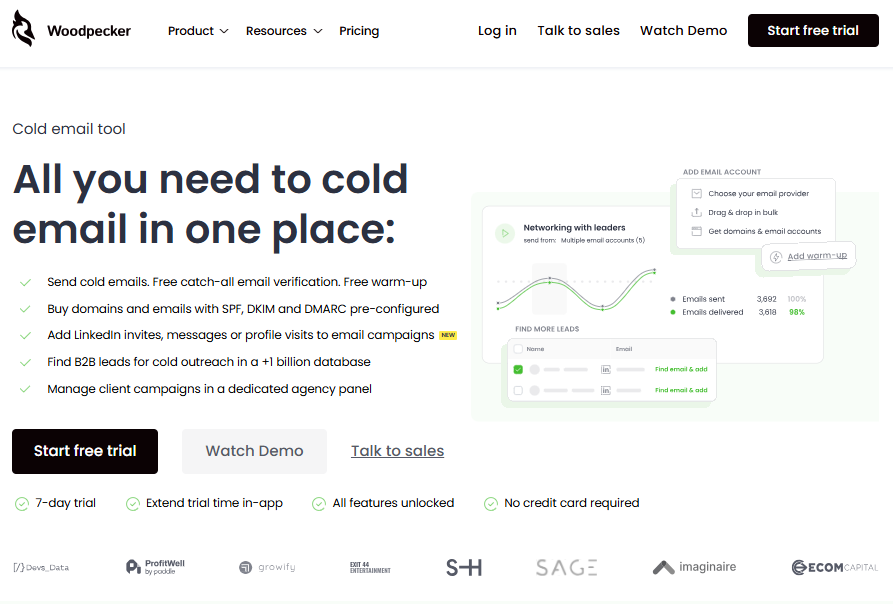
Best for: Targeted B2B cold email, sales teams and lead generation agencies
Woodpecker creates personalized email sequences from connected mailboxes. Follow-ups may be scheduled according to delays, sending windows and recipient time zones. Condition-based campaigns create different paths according to prospect behavior.
The platform puts strong emphasis on deliverability. Its features include email verification, mailbox warm-up, domain checks, inbox rotation, sending limits and monitoring.
Agencies can manage clients from one panel instead of creating a disconnected setup for every account. Woodpecker also supports LinkedIn outreach as an optional channel, giving teams a route from email-only campaigns to multichannel sequences.
Key features include:
- Automated follow-ups
- Condition-based campaign paths
- Reply detection and automatic sequence stops
- Unlimited email accounts
- Centralized inbox
- Email verification
- Domain monitoring
- Inbox rotation
- A/B testing
- Agency workspaces and reporting
- CRM and workflow integrations
Woodpecker pricing starts with a free entry plan. Paid usage starts at $35 per month and scales according to the number of contacted prospects. LinkedIn accounts, additional warm-ups and managed mailboxes are optional add-ons.
Consider: Estimate the number of prospects you expect to contact each month because this is the main factor affecting the price.
2. Instantly
Best for: High-volume email outreach across many sending inboxes
Instantly separates its outreach, prospect-data and CRM capabilities into standalone plans and bundles. Its Outreach Growth plan includes unlimited email accounts, automated warm-up and a unified inbox.
The entry plan supports 1,000 uploaded contacts and 5,000 monthly emails. Higher tiers substantially increase the contact and sending limits.
Key features include:
- Unlimited email accounts
- Automated email warm-up
- Email sequences
- Sending-account rotation
- Unified reply inbox
- A/Z testing on eligible plans
- Reputation protection
- Prospect database and AI tools through separate credit plans
Instantly’s outreach pricing starts at $47 per month.
Consider: Outreach, prospect data and CRM access are priced separately unless you choose a bundle. Compare the complete stack rather than only the entry-level outreach price.
3. Smartlead
Best for: Agencies and teams operating many mailboxes
Smartlead combines unlimited connected mailboxes with sequence automation, inbox rotation, warm-up and a master inbox.
Its pricing scales according to active contacts and monthly sends instead of the number of users. This structure may suit agencies managing many sending accounts, although CRM and API access sit above the entry tier.
Key features include:
- Unlimited mailboxes
- Automated email sequences
- Unlimited warm-up
- Master inbox
- Mailbox rotation
- Agency client workspaces
- API and webhooks on eligible plans
- White-label options
- Sending infrastructure features on higher plans
Smartlead pricing starts at $39 per month for 2,000 contacts and 6,000 monthly sends.
Consider: The Base plan does not represent the full agency feature set. API, CRM and client-workspace requirements may move a team to a higher tier or add-ons.
4. Apollo
Best for: Teams that want prospect data and email sequencing in one platform
Apollo combines a B2B database, data enrichment, prospecting and sales engagement. Users can find contacts and move them directly into automated sequences without exporting them to a separate sending tool.
Its broader feature set also includes workflows, calling and CRM integrations on eligible plans.
Key features include:
- B2B prospect database
- Email sequences
- Contact enrichment
- CRM integrations
- Dialer on eligible plans
- Automated workflows
- Intent data
- AI-assisted research and writing
- Sequence analytics
Apollo’s pricing includes a free plan. Paid plans start at $49 per user per month when billed annually.
Consider: Data access is governed through credits, and the cost scales per user. Check how many contacts, exports and enrichment actions the team expects to use.
5. lemlist
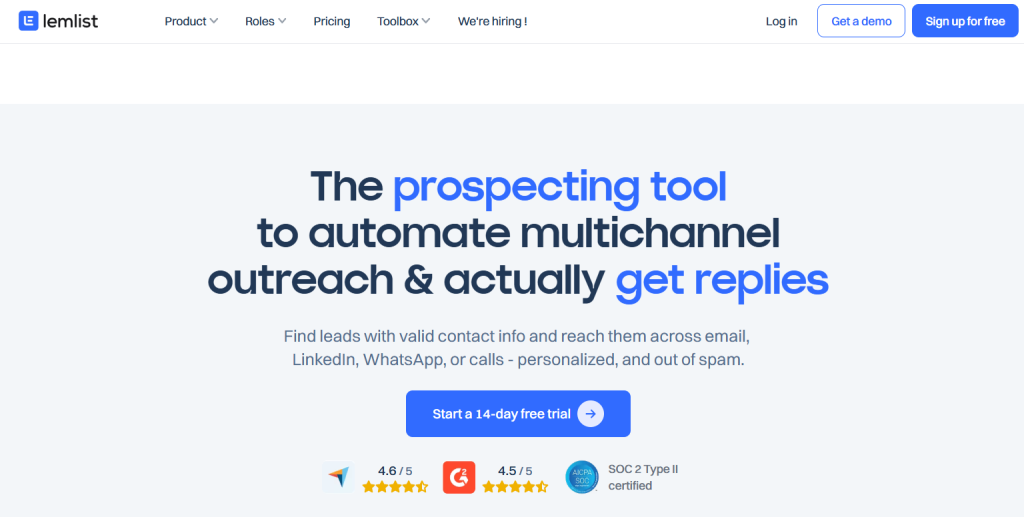
Best for: Highly personalized email and multichannel sequences
lemlist supports email-only outreach and multichannel campaigns incorporating LinkedIn, calling, SMS and tasks.
Its email plan is volume-based and includes unlimited users and senders. The Multichannel Expert plan is priced per user and introduces the broader channel set.
Key features include:
- Email sequences
- LinkedIn automation
- Calling and SMS
- AI-assisted personalization
- Lead database
- Unified inbox
- Deliverability and warm-up tools
- CRM integrations
- Automated and manual sequence steps
lemlist pricing starts at $69 per month for the email plan. Multichannel access starts at $109 per user per month on monthly billing.
Consider: Teams that need LinkedIn or calling should compare the multichannel price rather than the email-only entry point.
6. Reply.io
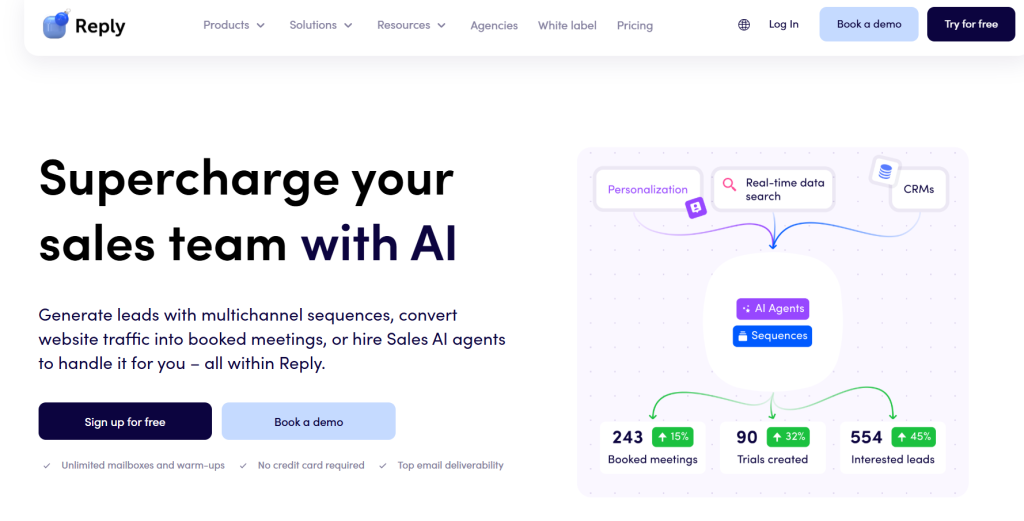
Best for: Sales teams combining email, LinkedIn and calling
Reply.io offers email sequences alongside LinkedIn, calling, SMS and WhatsApp steps. It also provides AI SDR products and prospect-data credits.
The platform supports unlimited mailboxes on its email outreach plan, while multichannel functionality uses a higher tier or paid channel add-ons.
Key features include:
- Automated email sequences
- LinkedIn automation
- Calls and SMS
- WhatsApp steps
- AI-generated replies
- Email warm-up
- Deliverability tools
- B2B data
- CRM integrations
- Agency plans
Reply.io pricing starts at $59 per user per month for email outreach. Multichannel plans start higher.
Consider: Verify which channels are included in the selected plan. Some are sold as separate add-ons.
7. Saleshandy
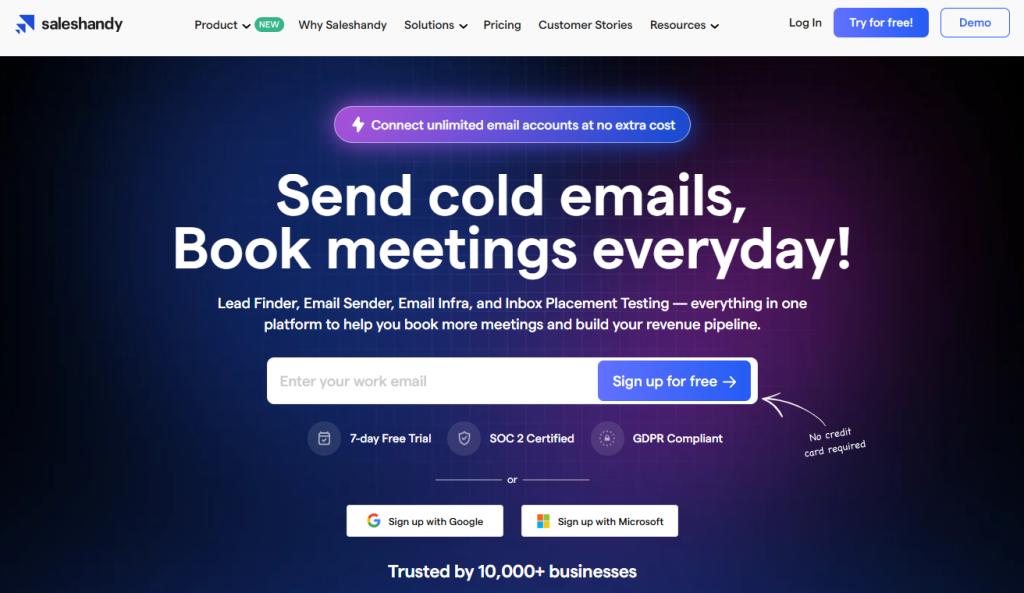
Best for: Cold email teams connecting many sending accounts
Saleshandy provides unlimited email accounts and prospects across its outreach plans. It combines sequence automation, inbox rotation, warm-up, verification and agency-oriented features.
The platform has added a prospect CRM and AI-assisted sequence tools while retaining volume-based outreach plans.
Key features include:
- Unlimited email accounts
- Automated sequences
- AI-assisted writing
- Inbox rotation
- Email warm-up
- Unified inbox
- Prospect CRM
- A/B and multivariate testing on eligible plans
- Agency client management
- Email verification
Saleshandy’s outreach pricing starts at $36 per month or $25 per month when billed annually.
Consider: Monthly send limits and active-prospect limits vary considerably between tiers. Use the expected campaign volume to choose the plan.
8. Mailshake
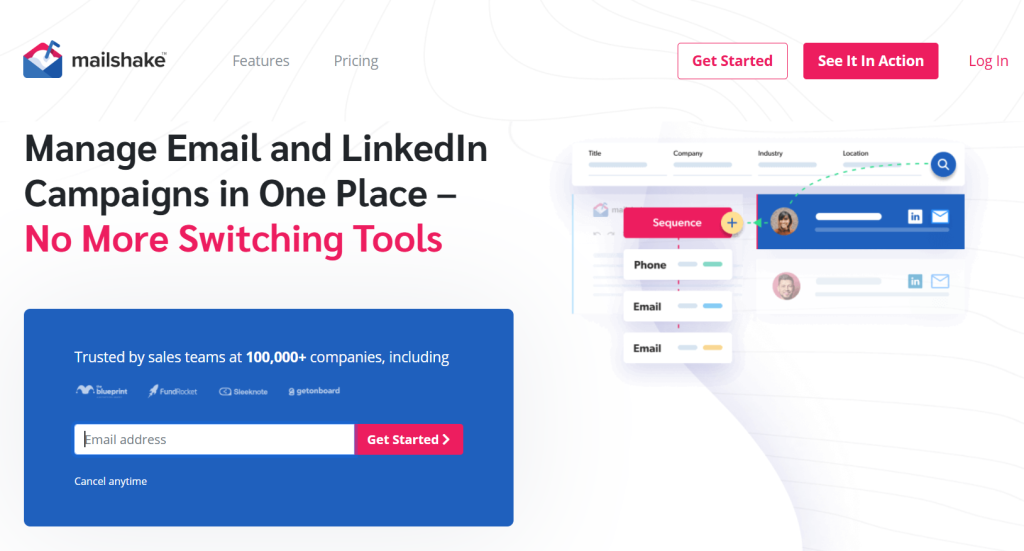
Best for: Teams wanting straightforward email outreach with an upgrade path to calling
Mailshake starts with simple email automation and adds inbox rotation, CRM integrations and a unified inbox at higher levels. Its Sales Engagement plan introduces a phone dialer and other multichannel features.
Key features include:
- Automated email sequences
- Automatic follow-ups
- A/B testing
- AI email writing
- Email warm-up
- Verification
- Inbox rotation
- CRM integrations
- Unified inbox
- Calling on the Sales Engagement plan
Mailshake pricing starts at $29 per month for one email address and 1,500 monthly sends.
Consider: The number of email addresses connected to an account varies between plans. Teams operating several inboxes should price the appropriate tier.
9. GMass
Best for: Individuals and small teams that want sequencing inside Gmail
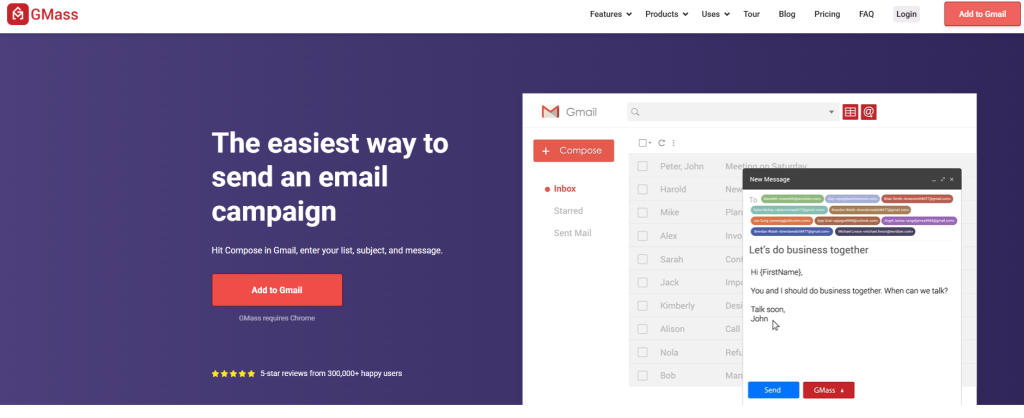
GMass operates from Gmail through a browser extension. It combines mail merge, campaigns, automatic follow-ups, tracking and verification without requiring users to manage a separate outreach dashboard.
Key features include:
- Gmail-based sequences
- Mail merge personalization
- Automatic follow-ups
- A/B testing
- Triggered emails
- Email verification
- API and Zapier access
- Inbox rotation on eligible plans
- Custom tracking domains
GMass pricing starts at $29.95 per month for an individual Standard subscription.
Consider: GMass is designed around Gmail. Teams using Microsoft mailboxes or seeking a channel-independent platform should select another option.
10. Salesloft
Best for: Enterprise sales teams using CRM-connected cadences
Salesloft is a complete sales-engagement and revenue-orchestration platform. Its Cadence product coordinates email, calls and seller tasks while synchronizing activity with the CRM.
Beyond sequencing, Salesloft provides conversation intelligence, coaching, deal management, analytics and forecasting.
Key features include:
- Multichannel sales cadences
- CRM synchronization
- Calling
- Seller task management
- AI-supported workflows
- Conversation intelligence
- Coaching
- Analytics
- Pipeline and deal management
- Enterprise governance
Salesloft pricing is not public. The platform uses custom pricing.
Consider: Salesloft is broader than a dedicated email sequencer. Small teams may pay for capabilities and implementation they do not need.
11. Outreach
Best for: Enterprise organizations coordinating sequences across the revenue process
Outreach has expanded from sales engagement into an AI agent platform for revenue teams. Its packages combine multichannel sequencing with account planning, conversation intelligence and pipeline management.
The sequencing capabilities support email, calls and tasks, while AI agents assist with research, personalization and revenue workflows.
Key features include:
- Multichannel sequences
- Email and call automation
- AI research and personalization
- Meeting scheduling
- CRM-connected activity
- Conversation intelligence
- Deal and pipeline management
- Revenue analytics
- Coaching
- Enterprise controls
Outreach pricing is customized according to package, seats and AI-credit usage.
Consider: Pricing includes both seat-based and consumption-based elements. Request a complete estimate based on expected AI usage and required modules.
Which email sequence tool is best for each use case?
Choose according to the workflow rather than the longest feature list:
- Targeted B2B cold email: Woodpecker
- High-volume multi-inbox sending: Instantly or Smartlead
- Prospect database plus sequencing: Apollo
- Personalized multichannel outreach: lemlist or Reply.io
- Gmail-native sequencing: GMass
- Simple email outreach with optional calling: Mailshake
- Large enterprise sales teams: Salesloft or Outreach
- Agency operations: Woodpecker, Smartlead or Saleshandy
Before choosing, test how easily the software handles a real campaign. Import a small prospect group, build a sequence, add personalization and verify what happens after a reply.
How to choose the best email sequence software
Decide which channels belong in the sequence
If your workflow is email-only, a focused cold email platform may be simpler and less expensive. If representatives regularly use LinkedIn and calls, choose software that keeps those actions in the same sequence.
Check how pricing scales
A low starting price does not always represent the likely cost.
Email sequence software may charge according to:
- Users
- Connected mailboxes
- Active contacts
- Contacted prospects
- Monthly emails
- Prospect-data credits
- Client workspaces
- AI usage
- Additional channels
Estimate the real monthly volume before comparing prices.
Examine deliverability controls
Automation should not mean sending as many messages as possible.
Look for:
- Daily mailbox limits
- Adjustable sending intervals
- Randomized sending
- Bounce detection
- Email verification
- Domain checks
- Warm-up or recovery tools
- Inbox rotation
- Reply and opt-out detection
A good sequence tool supports controlled sending rather than treating provider limits as targets.
Test personalization
Personalization should extend beyond inserting a first name.
Check whether the software supports:
- Custom fields
- Fallback values
- Personalized opening lines
- Conditional content
- Dynamic sequence paths
- Prospect-specific research
- Message previews
- A/B testing
The cold email writing process still matters after automation. A sequence tool distributes the message; it does not replace targeting or relevance.
Review reply handling
The tool should stop the sequence after a reply and place responses somewhere the team will actually manage them.
For several mailboxes, a centralized inbox saves time and reduces the risk of sending another follow-up after the prospect has already responded.
Check integrations
Confirm that the platform connects to the systems your team uses, particularly:
- CRM
- Prospecting and enrichment tools
- Calendar
- Spreadsheets
- Workflow automation
- Data warehouse or reporting tools
- API and webhooks
Do not assume that an integration supports two-way synchronization. Check which records and activities move in each direction.
Evaluate agency and team controls
Agencies need client separation and reporting. Larger sales teams may require roles, permissions, approval processes and standardized templates.
Unlimited users do not automatically mean unlimited client workspaces, mailboxes or sending volume.
How to build an effective email sequence
Software handles execution, but the campaign still needs a clear strategy.
Step 1: Define one outcome
Decide what the sequence should achieve: a reply, introduction, meeting or qualification question.
Step 2: Write the opening email
Keep the message focused on one relevant reason for contacting the recipient. Use one clear call to action.
Step 3: Plan follow-ups that add context
Do not send the same request repeatedly. Each follow-up should contribute something useful, such as:
- A relevant example
- A clearer explanation
- A different benefit
- Proof connected to the recipient’s situation
- A lower-friction question
A good follow-up sequence after no response becomes shorter and more direct without becoming more aggressive.
Step 4: Set realistic delays
Give the recipient enough time to read and consider each message. The right delay depends on the audience and sales cycle.
Step 5: Define exit conditions
Stop the sequence when the recipient:
- Replies
- Opts out
- Books a meeting
- Reaches the intended outcome
- Becomes unsuitable for the campaign
Step 6: Protect deliverability
Verify addresses, authenticate the sending domains and keep the volume within safe limits. Do not attach every available mailbox and immediately send at maximum capacity.
Step 7: Review replies and conversions
Open and click data may provide directional information, but replies and qualified conversions are stronger measures of sequence performance.
Start building email sequences in Woodpecker
Woodpecker combines sequence automation with personalization, reply management and deliverability protection.
You can:
- Create automated follow-ups
- Add condition-based paths
- Connect multiple mailboxes
- Manage replies in one inbox
- Verify prospect addresses
- Monitor domain configuration
- Rotate sending accounts
- Add LinkedIn outreach
- Separate agency clients
- Connect CRM and workflow tools
Start using Woodpecker and build your first email sequence.
FAQ about email sequence software
What is the best email sequence software?
The best email sequence software depends on the workflow. Woodpecker is a strong option for targeted B2B cold email and agencies. Instantly and Smartlead suit high-volume, multi-inbox campaigns. Apollo combines prospect data and sequences, while Salesloft and Outreach serve enterprise revenue teams.
Is there a free email sequence tool?
Yes. Woodpecker and Apollo provide free entry options, although their usage and feature limits differ. Free plans suit testing and small campaigns. Compare the cost of the paid tier you would need once your prospect volume increases.
What is the difference between a sequence and a cadence?
A sequence is the ordered set of messages and actions a prospect receives. A cadence is the timing and spacing between those steps. Many platforms use the terms interchangeably to describe the full outreach workflow.
What does email sequencing mean?
Email sequencing means arranging several emails in a defined order and sending them according to delays, dates or recipient actions. The software may stop or branch the sequence after events such as a reply, meeting booking or opt-out.
How many emails should an email sequence include?
A cold email sequence often contains an opening message and several follow-ups, but there is no universal number. The appropriate length depends on the value of the opportunity, sales cycle and amount of new context available. Stop when further messages would only repeat the same request.
Does an email sequence stop after a reply?
Good email sequence software detects replies and stops future automated steps for that recipient. Verify how the selected tool treats automatic replies, forwarded messages and responses sent from a different address.
Is email sequencing the same as email marketing automation?
No. Email sequencing describes an ordered set of automated messages. It may be used for cold outreach, sales follow-ups or customer communication. Email marketing automation usually focuses on opted-in audiences receiving newsletters, promotional campaigns and lifecycle messages.
Do email sequence tools support LinkedIn and calls?
Some do. Woodpecker, lemlist, Reply.io, Mailshake, Salesloft and Outreach provide multichannel capabilities through their plans or add-ons. Check whether each channel is included in the advertised starting price.