


In the universe of social selling, two bright names often get mentioned together: Waalaxy and Dripify.
When you scroll through LinkedIn, it seems like every other ad talks about some new automation on LinkedIn wizardry or one of the many LinkedIn automation tools that can take the grind out of prospecting.
If you are a founder, recruiter or marketer, you might ask yourself which platform is right for your profile and whether you can combine LinkedIn outreach with emails without getting into trouble.
This article looks at the differences between Waalaxy and Dripify, their strengths and weak points and shares how Woodpecker could be a stronger ally for your cold‑outreach journey in 2026.
We will cover the pricing, features and use cases for each platform and point out why some sales professionals swear by one or the other.
Waalaxy at a glance
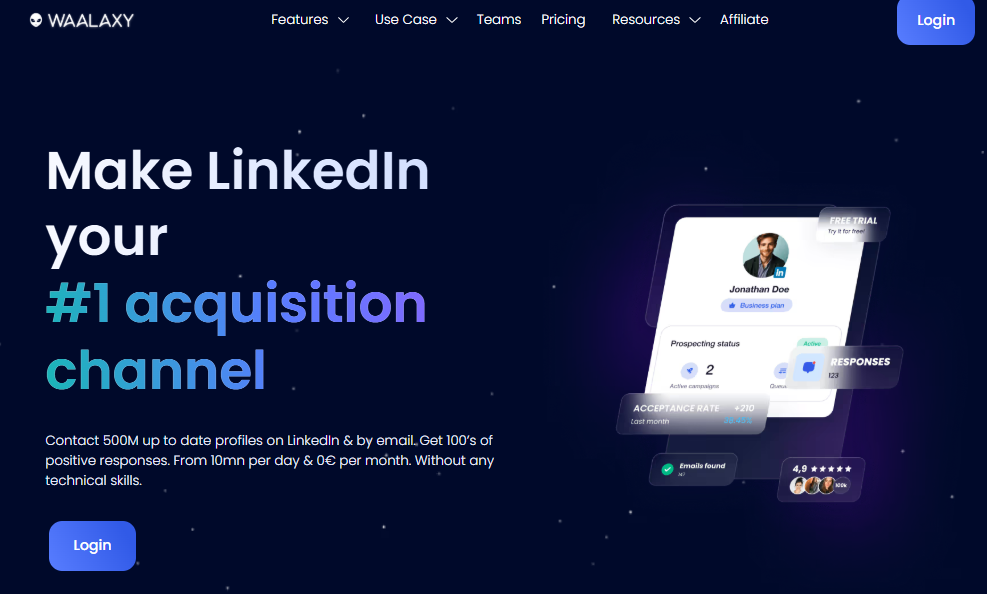
Waalaxy markets itself as a beginner‑friendly multichannel solution for LinkedIn prospecting with email extras. It runs through a Google Chrome extension on your desktop, meaning your campaigns progress while the browser tab is active. This approach mimics human behaviour and includes LinkedIn messaging, profile views and other actions.
However, it stops when you close the tab. The tool lets multiple people share templates and lists, but each LinkedIn account safety is tied to a single licence – if you control multiple profiles, you pay for each.
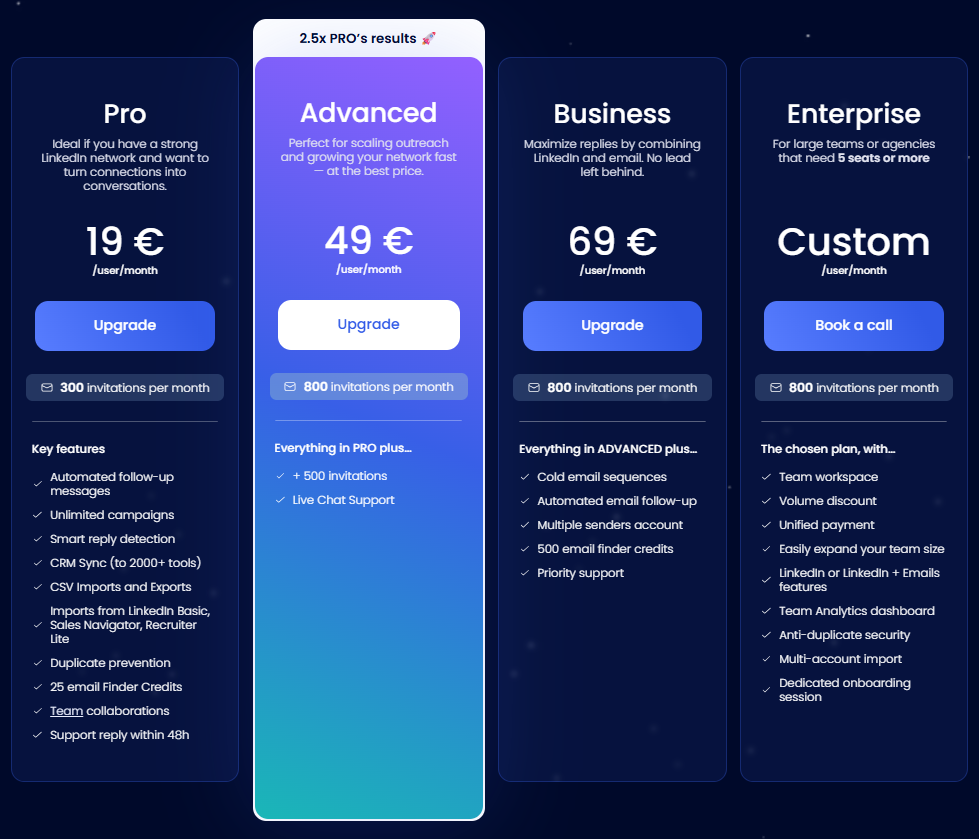
The entry tier is a free plan, sometimes called the free tier, which lets you perform just three actions per day. This is more of a sandbox than a revenue generator, but it gives you a taste without risk.
The Pro tier costs about €19 per user per month and increases the invitation cap to 300, while the Waalaxy pricing table shows that an annual commitment cuts the monthly cost in half.
The Advanced tier pushes that cap to 800 invites and introduces live chat support and chat support.
Business is the first plan to mix channels. At around €69 monthly it combines LinkedIn steps with email sequences and throws in 500 DropContact credits for lead generation. There are also Elite and Enterprise plans with perks like a LinkedIn Sales Navigator licence, higher quotas and one‑on‑one onboarding.
Key features and experience
On the Pro and Advanced levels, Waalaxy automates sending connection requests andfollow‑ups. You can set up a sequence that views a profile, sends a personalised invite and then sends a message once accepted. The platform includes pre built campaign templates for common scenarios such as recruiting or product pitches.
It also offers a dedicated inbox inside its dashboard, which is handy when juggling many conversations. There are basic automation triggers (stop on reply, skip on bounce) and a simple workflow builder, but you cannot edit steps once the campaign is live.
The absence of drip campaign customization means you must delete and rebuild flows if you want to change the order of messages.
Waalaxy’s ease of use is frequently praised. Reviewers say it has an intuitive interface and short learning curve.
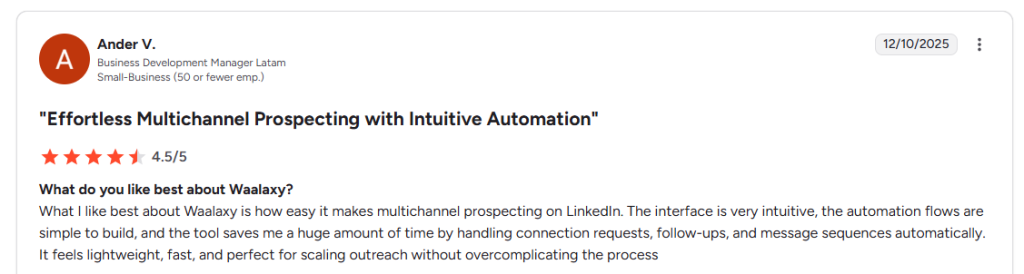
The reporting covers opens, acceptance and replies – essential but not deep. You will not find a sophisticated analytics dashboard here. Instead, there are basic analytics that track invites sent, invites accepted and messages delivered.
This simplicity makes it appealing for small teams who want to get started quickly without diving into technical details. For team collaboration, Waalaxy lets you share templates and prospects, and it includes a lightweight CRM connections feature that syncs leads to certain CRMs.
Safety and limits
Because Waalaxy acts through your browser, there are default safety limits set by LinkedIn, roughly 200 invites per week. The tool simulates human behaviour to maintain account safety. However, if you leave the campaign running for too long it can trigger LinkedIn warnings.
The company emphasises built‑in safety features, but these are mostly about matching natural patterns rather than using proxies or random delays. Waalaxy also ties some functions to LinkedIn profiles. If you have many users running campaigns, you need to manage each licence separately.
Dripify at a glance
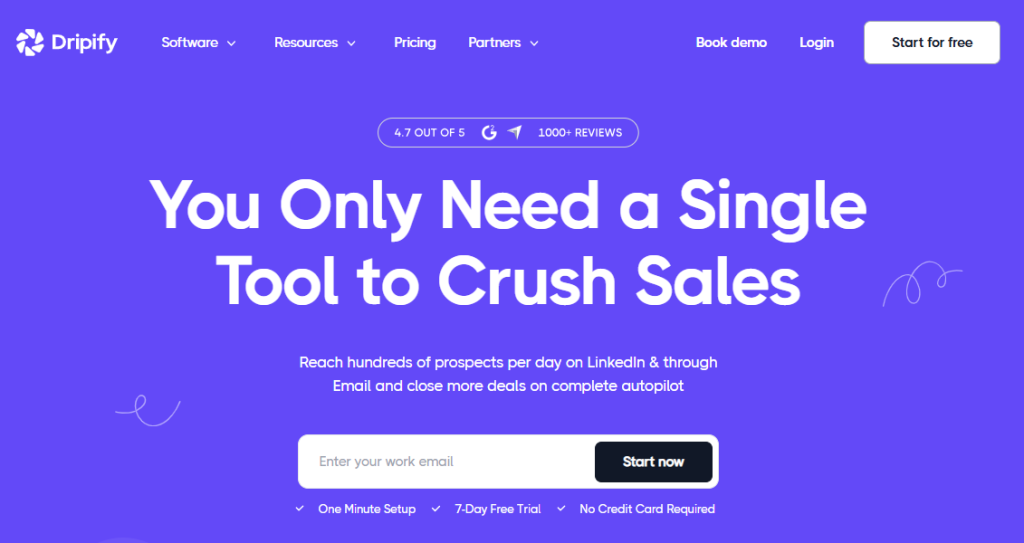
Dripify is a cloud‑based platform that automates LinkedIn and email actions from servers, not your personal browser. This means campaigns continue when your computer is off, and it features more granular safety controls like randomised schedules and IP rotation.
Key features and experience
Dripify’s cloud approach gives more advanced controls. Its visual builder supports smart drip campaigns with unlimited steps, branching and conditions.
You can mix LinkedIn actions with email, set delays, add if/then logic and even test AI‑generated icebreakers. The platform offers an integrated email finder with 100 credits included on each plan and the option to buy more. Built‑in verification raises deliverability, and there is a dedicated inbox to manage replies. Dripify also connects to Slack, HubSpot and other services through basic Zapier support and webhooks.
Dripify users note that the interface is great.
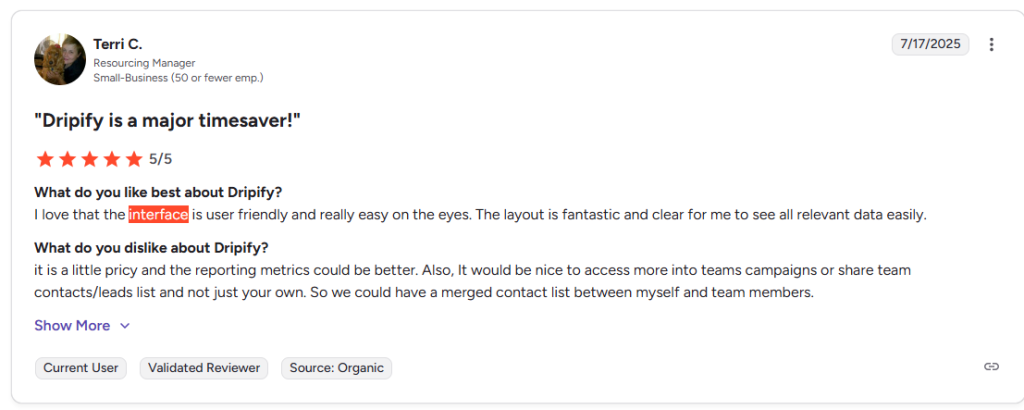
The robust sequence designer means you spend time learning how to stitch actions together. This complexity is the price you pay for extensive customization options. Still, the platform delivers robust analytics with in‑depth metrics such as conversion rates per step, campaign performance, team productivity and lead scoring.
It also includes responsive customer support through live chat and email. Because it runs on remote servers, there are stronger safety precautions and custom daily caps. This means your LinkedIn only outreach remains safe even at higher volumes.
Pricing and value
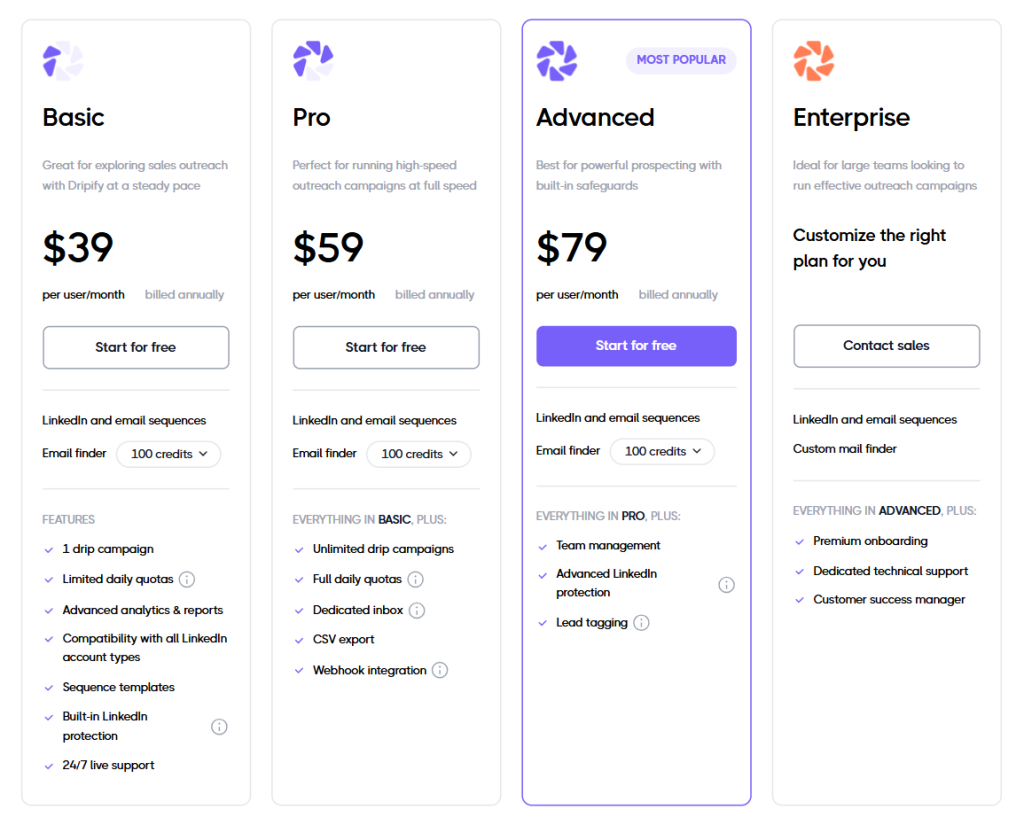
Comparing the two, Dripify sits in the mid‑range bracket. A Basic subscription at $39 annually per user is similar to Waalaxy’s Business cost when converted into dollars.
The Pro and Advanced plans climb to $59 and $79, which some founders consider fair given the added features.
However, to hit those lower costs you need to commit to an annual plan, whereas Waalaxy allows monthly billing. Dripify does not have a free‑for‑life tier. Instead, there is a seven‑day trial. For teams with multiple members, the per-user pricing means the bill scales linearly.
On the other hand, Waalaxy’s Enterprise plan offers volume discounts but locks all seats into the same tier.
Head‑to‑head Dripify vs Waalaxy comparison
Platform type & safety
The biggest difference lies in architecture.
Dripify operates from the cloud with unique IP addresses, so campaigns continue even when your laptop is closed. Waalaxy runs via a Chrome extension attached to your LinkedIn session.
For some, the cloud model instils confidence about LinkedIn account safety because there are extra protections and default safety limits you can fine‑tune. For others, the extension’s simplicity is appealing, but you must keep the tab open and watch usage to avoid warnings.
Features & automation
Both platforms support multistep sequences mixing LinkedIn actions and emails. Waalaxy centres on ease. The builder offers message automation for invites and follow‑ups with simple conditions. It includes profile visits, endorsements and even endorsements of skills for added engagement.
Templates make automating outreach quick, but there is limited campaign customization once a sequence is active. Dripify shines with its drag‑and‑drop designer.
You can set up LinkedIn search conditions, chain actions in any order, run multi channel prospecting and insert conditional splits. It also has pre built campaign templates but encourages you to build your own flows from scratch. This flexibility demands more time but suits teams that need advanced features such as A/B tests or logic based on whether prospects respond.
Reporting & analytics
Waalaxy focuses on high‑level results. How many invites sent, how many accepted and how many messages got replies.
The absence of a deep analytics dashboard means you may need to export data to understand campaign performance. Dripify includes detailed analytics that show open rates, reply rates and conversion rates per step.
It also measures message response rates, team productivity and which actions drive the best results. For managers who crave detailed insights, Dripify’s statistics are appealing. For those happy with an overview, Waalaxy’s simple reports might suffice.
Integrations and ecosystem
When connecting to third‑party software, Dripify has an advantage. It offers direct HubSpot, Pipedrive and Slack connectors plus webhooks for custom integrations. There is also CSV export and Zapier for connecting to third party tools.
Waalaxy’s integration capabilities are more limited. It supports CRM connections via CSV import/export and has a beta API, but advanced connectors require Zapier and come with extra steps.
If you need extensive integration options, Dripify might be more convenient. However, if you just want to sync leads to a CRM and are comfortable with manual exports, Waalaxy’s built‑in basic Zapier support may be enough.
User experience
Reviews show a split: many users appreciate Waalaxy’s clean user friendly interface and quick setup. They like that the dashboard feels tidy and non‑technical.
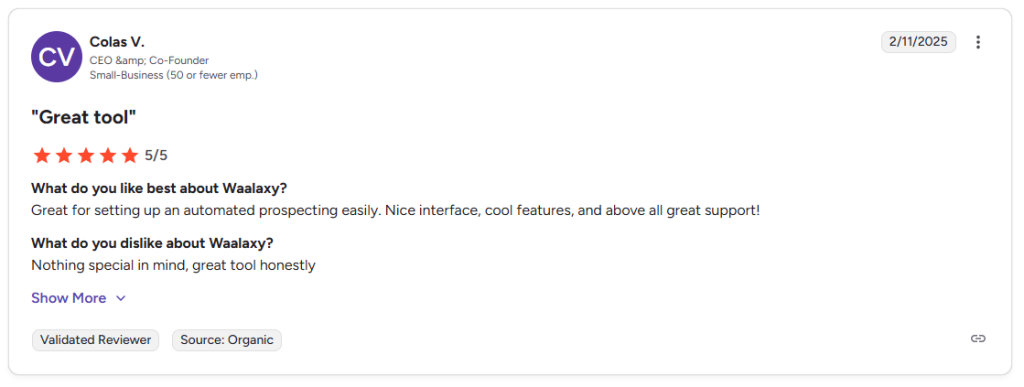
Others prefer Dripify’s rich feature set despite the steeper learning curve.

Some early Waalaxy adopters mention that the chat support is responsive and solves queries within a day. Dripify also has quick support, though a few reviewers complain about billing complexity. In terms of training, Waalaxy’s simple flows help novices start campaigns in minutes. Dripify’s builder may take an hour or two, but you can achieve advanced customization once you master it.
Limitations and user feedback
No tool is perfect.
Waalaxy’s biggest drawback is its focus on LinkedIn. Email steps are only available on Business and higher plans. If your outreach is primarily email, you might find the platform lacking for email outreach.
Another limitation is that sequences cannot be edited once live. There is no detailed control over active sequences. Some marketers complain that the campaign delivery can stall if you close your browser. On the plus side, Waalaxy’s simplicity makes it attractive for sales professionals who need to get started quickly and manage LinkedIn conversations without fuss.
Dripify addresses some of these pain points with more features, but this comes at the expense of complexity. A few users say that the tool has bugs or missing A/B testing features despite marketing claims.
Others note that Dripify’s email channel only integrates with Gmail and that there is no direct Outlook support. For those wanting to pair LinkedIn steps with Microsoft 365 accounts, this is a notable gap.
The platform’s robust features can also feel overwhelming. Not everyone needs an extensive customization options or the capacity to adjust default safety limits.
If all you need is to send a handful of campaign creation steps and track whether prospects respond, a simpler tool may suffice.
Woodpecker: a true multichannel partner
After comparing Waalaxy and Dripify, one might wonder whether there is a platform that brings email and LinkedIn together while avoiding per‑user limits and extra charges.
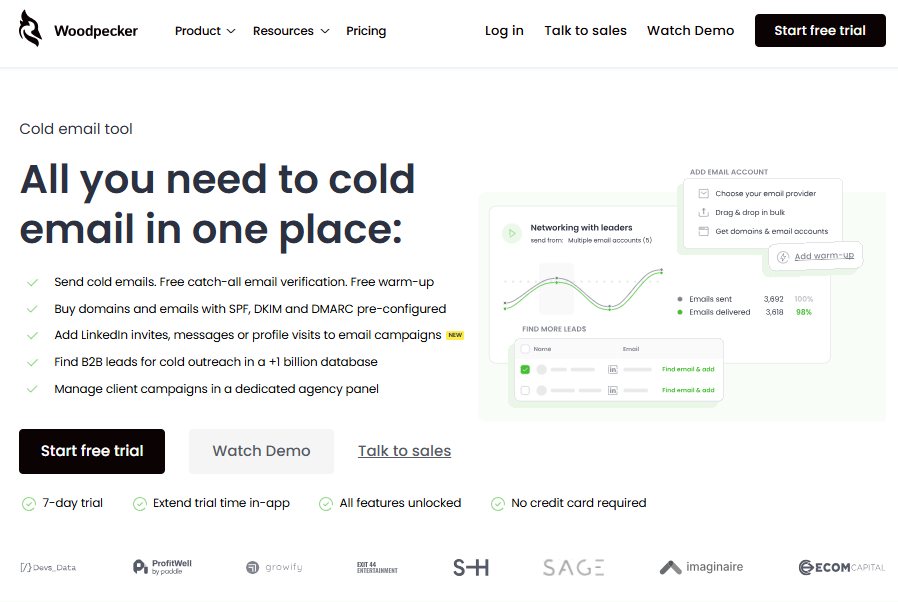
Woodpecker answers that question. It’s an all‑in‑one cold email platform, but in recent updates we added LinkedIn steps to create a holistic outreach stack.
Unlike Waalaxy or Dripify, Woodpecker isn’t limited by seat counts or mailboxes. There is no charge “per user” and no cap on the number of accounts you can connect. That means many users at your company can share the same tool without the bill ballooning.
Features worth noting
Woodpecker includes all the essential features for cold email and LinkedIn. The platform has been around since 2015 and has built a reputation for high deliverability.
It offers unlimited email verification with catch‑all validation at no extra cost. The system also includes warm‑up slots powered by Mailivery, so new domains start with a clean reputation.
A built‑in email finder gives access to a B2B database of more than one billion records.
For lead generation, you can search and import prospects directly into your sequences. We even sell domains and mailboxes with SPF, DKIM and DMARC preconfigured.
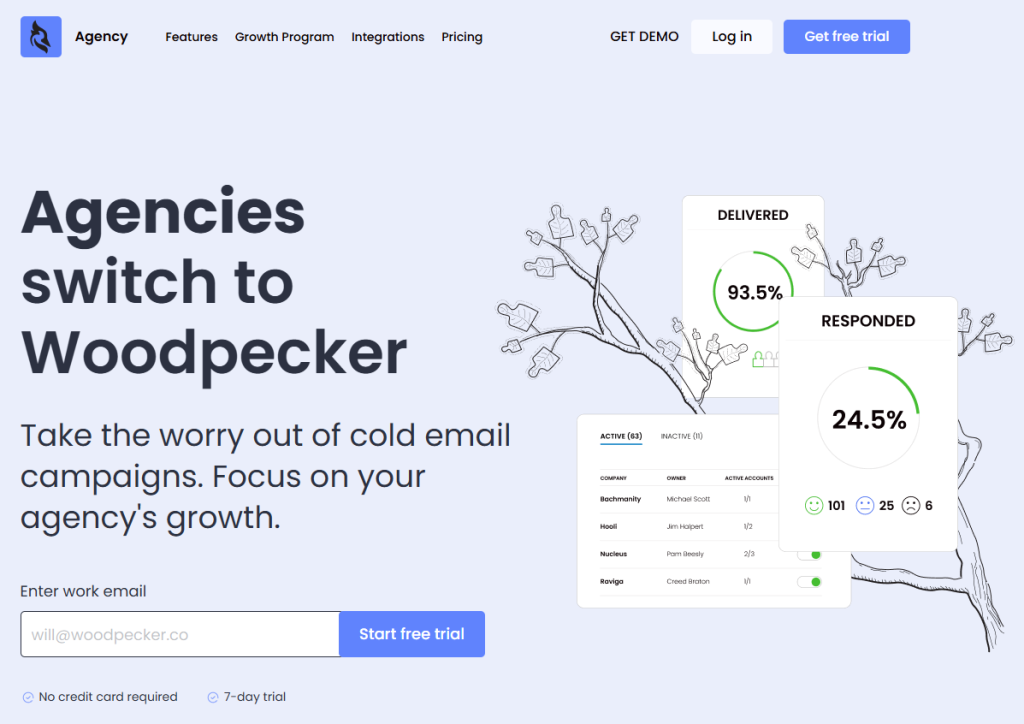
For agencies, there is a dedicated panel with team performance charts, bulk actions, account-based selling, a global blacklist and an agency outreach calendar.
The pricing is transparent: there is one feature set across all plans.
You pay based on consumption (number of prospects and warm‑up slots) rather than seats. A LinkedIn slot costs $29 per month, roughly half of what many LinkedIn automation space tools charge. The trial runs for seven days or 50 prospects, whichever comes first.
This means you can test fully, not just a light demo. Unlike Waalaxy’s restriction to a Google Chrome extension, Woodpecker is a web app that runs from secure servers. That makes campaigns continue even if your browser is closed and provides stronger account safety with dedicated IP rotation.
Why choose Woodpecker?
Woodpecker’s unified platform means you can manage multi channel outreach without juggling subscriptions.
Want to pair LinkedIn profile views with personalised emails? You can do that in one place. Need to send outreach sequences for several clients?
The agency panel lets you do so with team collaboration and campaign creation features. Because there is no per‑user charge, the economics work for small agencies and large companies alike.
The combination of unlimited verification, warm‑up, domain setup and adaptive sending means your deliverability stays high. The ability to search a massive database for leads and then send from new domains with pre‑configured records is particularly appealing for sales teams scaling quickly.
For these reasons, Woodpecker often serves as a better alternative to Waalaxy and Dripify for those who rely heavily on email while still using LinkedIn actions.
Final thoughts
If you are an individual seller running simple LinkedIn only outreach, Waalaxy might be enough. If you are a growth hacker building elaborate flows with A/B splits and conditions, Dripify could suit you.
But if your outreach extends beyond LinkedIn and you want free verification, flexible pricing and an all‑in‑one stack, consider Woodpecker and sign up for a free trial now.
It pairs email and LinkedIn, includes sales navigator support with optional slots, scales with many users at no extra charge and maintains deliverability through built‑in warm‑up and DNS configuration.
In a world full of tools, the best choice is the one that fits your team capabilities, outreach mix and budget. So look up at the stars, pick your vessel and start meaningful conversations instead of getting lost in tech jargon.
The right blend of features, safety and value will help your prospect engagement and lead you to more replies.