


Every major CRM in 2026 has an AI feature list that runs longer than its own changelog from five years ago. Salesforce has Einstein and Agentforce. HubSpot has Breeze. Pipedrive has Pulse. Zoho has Zia. Monday has AI across the workflow. The marketing is intense, the category is crowded, and the honest question most buyers never get a clear answer to is: which of these AI capabilities actually change how a sales team works, and which ones are old features with a new label?
This is the question worth answering because CRM pricing has moved upward on the back of AI positioning. The Enterprise tier of most major CRMs now costs 30-60% more than it did three years ago, and much of the premium is attributed to AI features. If those features genuinely improve rep productivity, the math makes sense. If they’re statistical pattern-matching rebranded as intelligence, the premium is pure margin.
This guide covers what AI actually does well inside CRM systems in 2026, where AI features are overhyped, how to evaluate an AI CRM claim without falling for marketing, what the leading through integration with platforms like Woodpecker. The short version: about 40% of “AI in CRM” in 2026 is real and useful; about 30% is statistical automation with better marketing; about 30% is aspirational features that don’t hold up in daily use. Knowing which is which saves money.
What AI actually does well in CRM systems
Five areas where AI genuinely shifts CRM workflow in 2026. Each one is validated in production at enough teams to separate from hype.
1. Automated data entry and activity logging
The single highest-ROI AI feature in CRM. AI can now reliably pull relevant data from emails, calendar invites, meeting transcripts, and phone calls, and log it against the right contact or opportunity – with minimal manual work from the rep.
Before 2023, “CRM data hygiene” meant convincing reps to log their activities. The result was always the same: reps logged maybe 40-60% of real activity, and the CRM reports were therefore always incomplete. AI auto-logging changes the economics – the system captures activity whether the rep remembers to log it or not.
How to measure success of sales outreach strategy? Hot and ready answers in our article.
The caveat: auto-logging quality varies. The best implementations (Salesforce Einstein Activity Capture, HubSpot’s email intelligence, Pipedrive’s auto-tracking) work reliably. Second-tier implementations miss context or mis-attribute activities. Always pilot before rolling out.
2. Lead scoring based on actual engagement patterns
Traditional lead scoring used rules (“If they downloaded a whitepaper, add 10 points”). Modern AI-based scoring looks at actual conversion patterns across thousands of historical deals and surfaces which engagement signals actually correlate with closed won – often patterns humans wouldn’t spot.
This works well when the CRM has enough historical data for the AI to train on. It works poorly when the dataset is small or biased. Teams with 500+ closed deals typically see AI scoring outperform rule-based scoring. Teams with 50 closed deals see essentially random output labeled as AI.
3. Email and call summarization
Summarizing long email threads, meeting recordings, or call transcripts into actionable notes. AI is genuinely good at this – a 30-minute discovery call compressed to a structured summary (topics discussed, objections raised, next steps, key quotes) is usually 90%+ accurate and saves real time.
Where it stops working: nuanced context. AI summarizes what was said, not why. “Customer expressed concern about timeline” is captured; the rep’s read that the concern was really about budget authority isn’t. Use AI summaries as drafts, not final notes.
4. Next-best-action suggestions grounded in real data
The good version: AI identifies deals that have been stuck at the same stage longer than similar deals usually take, and surfaces them for rep attention. “This deal has been at Proposal for 18 days; 80% of similar deals closed or died by now.”
The bad version: AI that suggests “reach out to this lead now” based on thin signals. The difference is whether the suggestion is grounded in data the AI actually has (deal velocity, engagement history) or generated from pattern-matching that produces plausible-sounding but empty suggestions.
Evaluate carefully. Ask the vendor to show you the specific signal that drove a specific recommendation. If they can’t, the feature isn’t doing what the marketing claims.
5. Natural-language querying of CRM data
“Show me deals worth over $50K closing this quarter with no activity in the last 14 days.” Two years ago this was a SQL query or a custom report build; now many CRMs let you just ask. When it works, it saves meaningful time for sales managers doing pipeline review.
When it doesn’t work, you get results that are plausible but wrong – filtered incorrectly, missing context, or pulling the wrong field. The feature is worth having but worth double-checking for any decision that matters.
What’s overhyped in AI CRM marketing
The other side of the honesty check.
“AI-generated emails from inside the CRM”
Most major CRMs now include AI email generation. The output is competent but rarely better than a reasonable template. Worse, emails generated by CRM AI usually show clear tells – bland openers, generic value propositions, filler phrasing – that experienced B2B buyers spot immediately. The quality is fine for internal emails, follow-up reminders, and meeting confirmations. It’s not fine for cold outreach where specificity and judgment matter.
You may be interested in this guide, check it: 7 Best AI Email Marketing Tools to Improve your Email Campaigns
“AI-predicted deal close dates”
Aggregate statistical averages dressed up as predictions. The model knows similar deals at this stage typically close in X days, and reports that as a prediction for this specific deal. Whether that prediction is accurate for your specific situation depends on variables the model doesn’t have – internal dynamics at the customer, your rep’s relationship, specific objections. Useful as a baseline; dangerous as a decision tool.
“AI sentiment analysis of customer communications”
Detects broad sentiment reasonably well (is this email angry, happy, or neutral). Misses everything subtle. A customer who writes “Thanks, we’ll discuss internally and get back to you” might be genuinely interested or quietly disqualifying you. Sentiment AI usually marks this as “positive.” The rep reading it knows better.
“AI copilot for every workflow”
The trend of embedding a chatbot-style AI assistant in every part of the CRM. Most of these are reasonably helpful for basic queries (“How do I create a custom field?”) and mediocre for anything deeper. The use case where these actually shine is narrower than the marketing suggests – mostly as a faster alternative to documentation search.
“AI-driven pipeline forecasting”
Pipeline forecasting has always been hard because the signal-to-noise ratio is low – deals at the same stage have wildly different outcomes based on factors the CRM can’t see. AI doesn’t fix this. It packages the same uncertainty in a more confident-sounding presentation. For most teams, AI-forecasted pipeline is no more accurate than rep-judged pipeline; it’s just more expensive.
The “AI-mature vs AI-native” distinction (and why it’s mostly overstated)
A framing that’s gained traction in 2026: some CRMs are “AI-native” (built with AI at the core), others are “AI-mature” (mature CRMs with AI added on). The marketing implies AI-native is better.
In practice, the distinction matters less than buyers assume. The quality of AI features depends more on data volume, engineering investment, and clear problem definition than on when the platform was built. A five-year-old CRM with a billion dollars invested in AI development has better AI than a new CRM that built “AI-native” into its Series A deck.
What actually matters:
Data quality matters more than AI sophistication. An AI model running on clean, complete, well-labeled data produces better output than a more sophisticated model on messy data. Evaluate the data infrastructure, not the AI framework.
Specific use cases matter more than broad AI claims. “AI-powered CRM” is a category label; “AI that reliably auto-logs calendar invites and email exchanges” is a specific capability. Ask about specific capabilities.
Integration depth matters. AI that can only act on data inside the CRM is limited. AI that connects to email, calendar, LinkedIn, outbound tools, and deal documents can do meaningfully more. Integration is usually a stronger predictor of AI value than the AI model itself.
The “AI-mature vs AI-native” framing is mostly useful as a shortcut; don’t over-index on it when making actual purchasing decisions.
The major CRM platforms and what their AI actually does
The honest rundown of the major players’ AI capabilities in 2026. None of this is hype-free marketing; all of it has real patterns worth knowing.
Salesforce (Einstein, Agentforce)
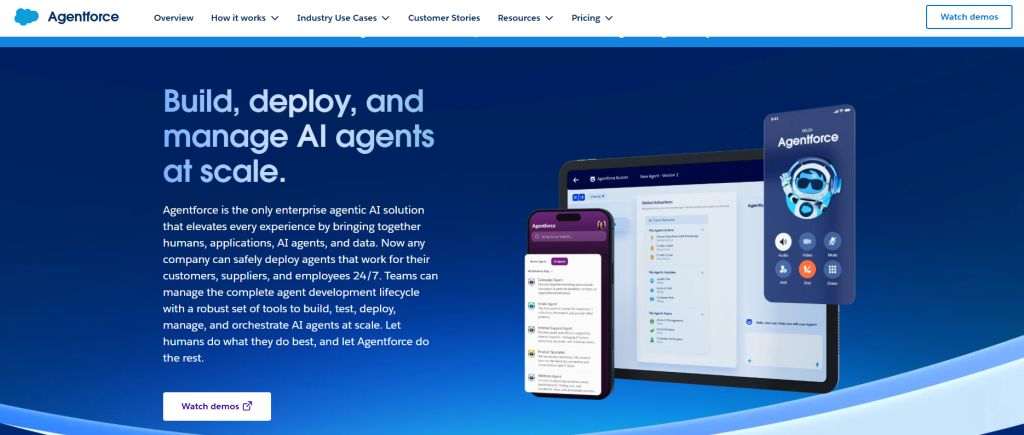
Deepest AI feature surface area in the category, as you’d expect from the leader. Strong on auto-logging (Einstein Activity Capture), email intelligence, and lead scoring at enterprise scale. Agentforce adds agentic workflows – AI that can take multi-step actions across the CRM and connected systems.
Real strengths: data volume means AI models have enough to train on; integration depth across the Salesforce ecosystem is unmatched; enterprise governance is mature.
Real limitations: AI features are often gated to Einstein-specific SKUs and can significantly inflate cost; smaller teams rarely get to the data volume needed for the AI to really shine; overall platform complexity makes the AI features harder to deploy than the marketing suggests.
Pricing note: Einstein add-ons typically run $50-125/user/month on top of base Sales Cloud. AI isn’t “included” in most tiers.
HubSpot (Breeze, Breeze Intelligence)
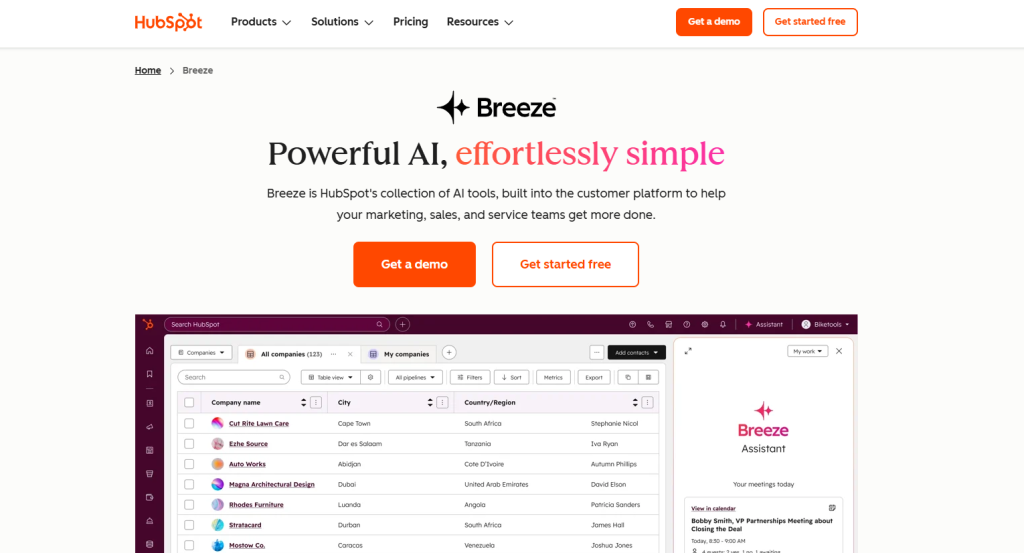
HubSpot has rebranded and consolidated its AI under Breeze in 2025-2026. Strong on email intelligence, CRM auto-logging, and AI-assisted writing across the Marketing and Sales hubs.
Real strengths: user experience across AI features is clean; the AI integrates smoothly with HubSpot’s broader marketing and sales tools; pricing is relatively more predictable than Salesforce.
Real limitations: the data volume isn’t at Salesforce scale, so AI lead scoring works less reliably for larger pipelines; some AI features are gated to higher tiers (Sales Hub Enterprise specifically); reliance on HubSpot for the whole stack can create lock-in.
Pipedrive (Pulse)
Pipedrive’s AI focus is on sales-specific workflow automation. Auto-logging, deal intelligence, and workflow suggestions. Less marketing volume than Salesforce or HubSpot but solid practical AI.
Real strengths: simpler, cleaner interface means AI features integrate without overwhelming the core CRM workflow; pricing stays reasonable; integrations with outbound tools (including Woodpecker bi-directional sync) are mature.
Real limitations: less sophisticated AI than the bigger platforms; smaller data volume means AI suggestions are more generic; not ideal for enterprise complexity.
Zoho (Zia)
Zoho’s Zia AI has been under development for years and covers a wide surface area – sentiment analysis, lead scoring, email intelligence, voice-activated CRM. Priced aggressively compared to competitors.
Real strengths: value for money is strong; AI features are genuinely integrated rather than bolted on; works well for SMBs that want AI without enterprise pricing.
Real limitations: ecosystem integrations are less deep than HubSpot or Salesforce; data volume limitations affect some AI features; brand perception remains tier-two despite competitive product.
Attio
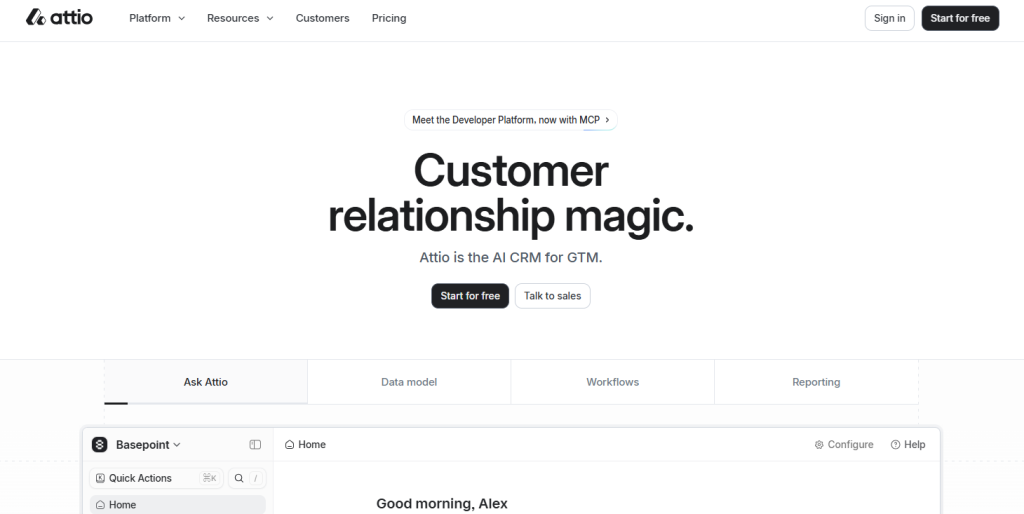
Newer entrant positioning itself as AI-native. Strong on flexibility, clean data model, and AI-assisted workflow building. Gets attention in 2026 as a Salesforce alternative for teams that want modern architecture.
Real strengths: the data model is genuinely better for AI than legacy CRM structures; the UI is modern; integrations with modern tool stacks are strong.
Real limitations: newer platform means less proven at enterprise scale; smaller customer base means AI models have less data to learn from; ecosystem is still maturing.
Monday CRM
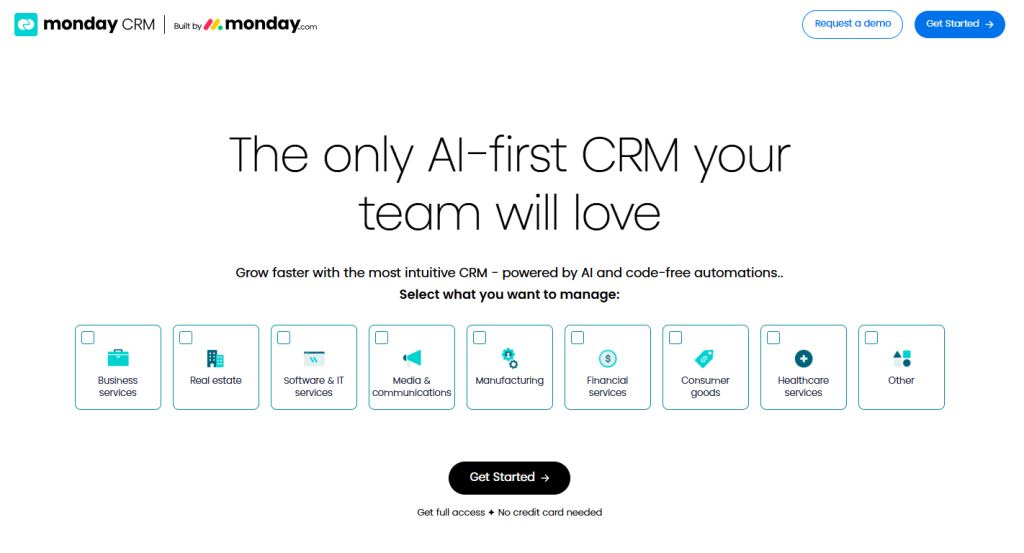
Monday added CRM capabilities on top of its broader work management platform. AI features work across both, which is useful if you already use Monday for project management.
Real strengths: cross-functional visibility if you use Monday broadly; AI works across sales, project management, and operations; pricing is reasonable.
Real limitations: CRM is not the core platform focus, so depth is less than dedicated CRM vendors; AI features are general-purpose rather than sales-specific.
How AI in CRM connects to AI in outbound
Most discussions of AI in CRM treat the CRM as a closed system. In practice, the CRM is one layer in a connected revenue stack, and the value of AI in CRM depends significantly on how well it connects to AI in the rest of the stack – particularly in outbound.
The specific connection that matters: AI-enriched CRM data flowing into outbound campaigns, and outbound engagement flowing back into CRM as AI-ready signal.
The flow in one direction: CRM AI feeds outbound
When CRM AI identifies a signal – a deal that’s gone cold, a lead score that’s jumped, an account showing increased engagement – that signal should trigger the right outbound motion. A deal that’s been stuck for 14 days triggers a specific re-engagement sequence. A new lead scored at 80+ triggers immediate SDR outreach. An account with new activity signals AE notification.
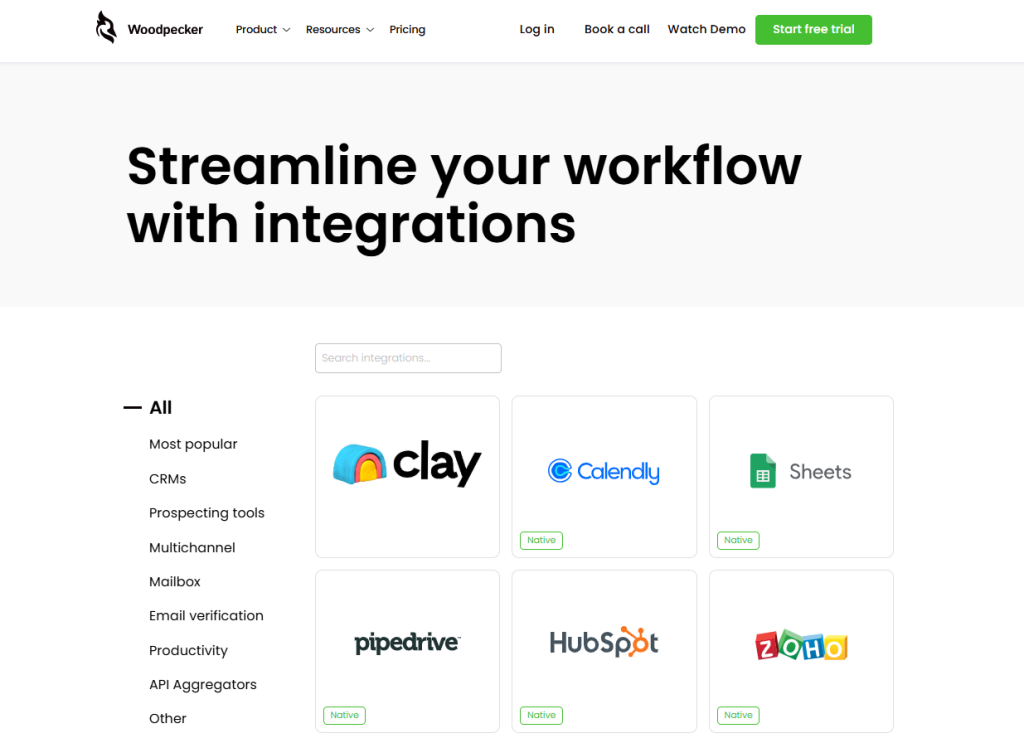
For this to work, CRM AI signals need to flow into your outbound tool cleanly. In Woodpecker’s case, bidirectional sync with HubSpot, Pipedrive, and Salesforce means CRM AI signals can trigger specific email sequences – segmented by deal stage, lead score, or engagement pattern.
The flow in the other direction: outbound engagement feeds CRM AI
When your outbound campaigns generate engagement – opens, clicks, replies, meeting bookings – that data needs to flow back into the CRM so the AI there has current, complete information. A contact who replied positively to your cold email yesterday should have that reflected in the CRM’s lead score today.
Woodpecker’s CRM integrations push campaign activity into the CRM as first-class data: email opens and clicks, reply classification (positive, negative, out-of-office), meeting bookings, and unsubscribe events all flow through. This is what lets CRM AI make informed recommendations instead of operating on stale data.
The hidden integration quality that makes or breaks the system
Most AI CRM evaluations focus on the AI features themselves. The more important evaluation criterion is often integration quality. A CRM with excellent AI features but poor bidirectional sync to your outbound tool produces a broken feedback loop – the AI makes recommendations based on outdated data, and the outbound motion runs on incomplete signals.
Before committing to any CRM AI upgrade, test the specific integration with your outbound platform. Send a cold email from your outbound tool; measure how fast the activity appears in the CRM and how complete the record is. Then trigger a CRM update and measure how fast it reaches the outbound tool. The latency and completeness of that round-trip is what determines whether AI on both sides actually work together.
How Woodpecker fits in the AI CRM workflow
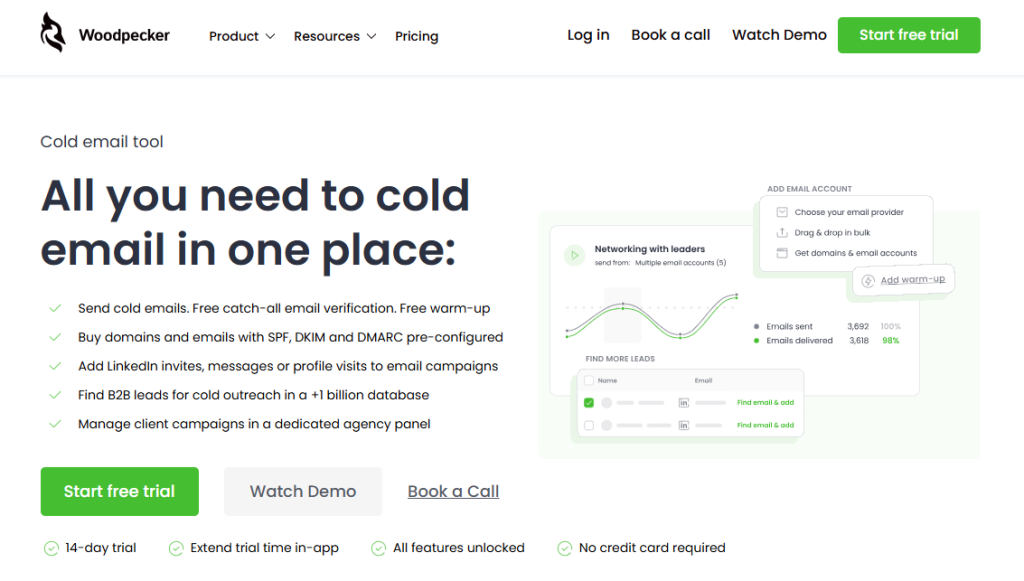
Woodpecker is an outbound cold email platform, not a CRM. But for most B2B teams in 2026, the outbound layer and the CRM layer are tightly coupled – and the quality of AI in either one depends on how well they share data.
What Woodpecker handles in the AI-CRM-connected workflow:
Bidirectional CRM sync. Native integration with HubSpot, Pipedrive, and Salesforce. CRM data flows into Woodpecker campaigns (contacts, deal stages, custom fields); campaign activity flows back into the CRM (opens, clicks, replies, meeting bookings, unsubscribes) as first-class data that CRM AI can use.
AI-based reply detection. Woodpecker classifies incoming replies (positive interest, negative, out-of-office, question) and routes them accordingly. Positive replies flow to your primary inbox immediately and into the CRM as qualified signal; sequences stop automatically on any reply.
Conditional sequence logic. Sequences can branch based on CRM triggers or prior engagement. If a contact is scored high in HubSpot, they enter a priority sequence. If the CRM marks a deal as stalled, an automated re-engagement sequence triggers.
Check out our cold email templates, which covers the template structures these sequences use.
Merge fields from CRM data. Woodpecker campaigns can pull dynamic content from CRM fields – so an email to a prospect can reference their company, their specific product interest, or any custom field data maintained in the CRM. Personalization at scale tied to live CRM data.
Free catch-all email verification. Every contact pulled from a CRM is verified before sending. CRM data decays; verification catches bad addresses before they bounce and damage sender reputation.
Deliverability. Adaptive Sending (inbox rotation, randomized intervals), Deliverability, free email warmup via partnerships with Warmy and Mailivery. The infrastructure that makes CRM-triggered outbound actually reach the inbox.
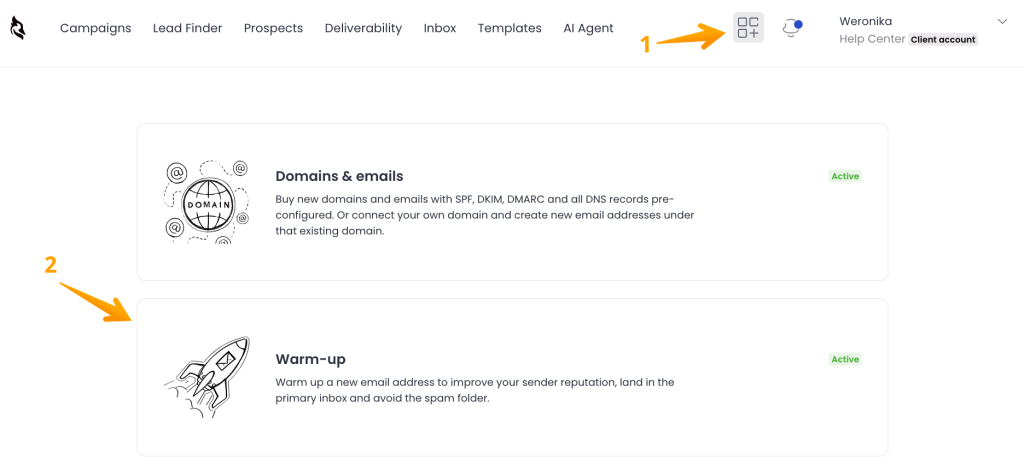
What Woodpecker doesn’t do: replace the CRM, generate full emails via native AI copywriting, or run predictive lead scoring. The CRM handles the data layer and the AI analytics; Woodpecker handles the outbound execution layer; the integration between them is what makes AI on both sides work together.
For teams running AI-enabled CRM and wanting the outbound layer to match, sign up to Woodpecker to connect your CRM to an outbound motion that actually delivers on the AI promise.
FAQ
What does AI actually do in a CRM?
Five things reliably: automated data entry and activity logging (highest-ROI feature), engagement-based lead scoring, email and call summarization, data-grounded next-best-action suggestions, and natural-language querying of CRM data. Overhyped: AI-generated full emails from inside the CRM (still read as templated), AI-predicted deal close dates (aggregate averages dressed as predictions), and AI sentiment analysis (detects broad sentiment but misses nuance).
Which CRM has the best AI in 2026?
Depends on what you’re optimizing for. Salesforce with Einstein and Agentforce has the deepest feature surface area but highest complexity and cost. HubSpot Breeze has the cleanest user experience but pricing scales aggressively at higher tiers. Pipedrive Pulse covers sales-specific workflows well at reasonable pricing. Zoho Zia delivers value for money. Attio offers the most modern data architecture. There’s no single “best” – match the AI capabilities to your actual workflow needs.
Is AI in CRM worth paying for?
For most teams, the auto-logging and engagement-based scoring alone justify the AI premium – data hygiene problems cost real pipeline, and AI auto-logging is the only reliable fix. Other AI features (predictive forecasting, AI copilots, sentiment analysis) are more situational. Evaluate the specific capabilities against your workflow rather than paying for “AI” as a category label.
How does AI in a CRM connect to outbound cold email?
Through bidirectional integration. CRM AI identifies signals (lead score changes, deal stalls, engagement patterns) that should trigger outbound sequences; outbound engagement (opens, replies, meeting bookings) flows back into the CRM to keep AI models current. Woodpecker integrates with HubSpot, Pipedrive, and Salesforce bidirectionally – CRM triggers can start email sequences, and campaign activity flows back into the CRM as first-class data that the CRM’s AI can use for lead scoring and next-action suggestions.
What’s the difference between AI-native and AI-mature CRMs?
“AI-native” means the CRM was built with AI at the core (Attio is the common example); “AI-mature” means an established CRM has had AI capabilities added over years of development (Salesforce Einstein, HubSpot Breeze). In practice the distinction matters less than buyers assume. What actually matters: data quality, specific use case fit, and integration depth. Evaluate those directly rather than relying on the AI-native/AI-mature framing as a shortcut.