


The correct business email format has five parts: a clear subject line, professional greeting, concise body, appropriate closing, and email signature.
Use this structure for messages to clients, colleagues, managers, vendors, and other professional contacts:
- Subject line: Summarize the purpose of the email.
- Greeting: Address the recipient appropriately.
- Body: Explain why you are writing and provide the necessary information.
- Closing: State the next step and finish with a professional sign-off.
- Signature: Include your name, role, company, and relevant contact details.
Here is the complete business email format with a copy-and-paste example:
| Part | Purpose | Business email example |
|---|---|---|
| Subject line | States the purpose of the message | Proposal review and next steps |
| Greeting | Addresses the recipient professionally | Hi James, |
| Opening | Provides immediate context | Thank you for reviewing the proposal we discussed on Tuesday. |
| Main body | Communicates the essential information | I have updated the timeline and pricing section based on your feedback. The revised proposal is attached for your review. |
| Call to action | Explains what should happen next | Could you confirm by Friday whether the new timeline works for your team? |
| Closing | Ends the message politely | Kind regards, |
| Signature | Identifies the sender | Maria Lopez, Account Manager, Northstar Digital, [email protected] |
Business email example
Subject: Proposal review and next steps
Hi James,
Thank you for reviewing the proposal we discussed on Tuesday.
I have updated the timeline and pricing section based on your feedback. The revised proposal is attached for your review.
Could you confirm by Friday whether the new timeline works for your team?
Kind regards,
Maria Lopez
Account Manager
Northstar Digital
[email protected]
This format works because the recipient can quickly understand why the email was sent, what has changed, and what they need to do next.
How to format a business email
Each part of a business email has a specific purpose. Getting the order right makes your message easier to read and respond to.
1. Write a specific subject line
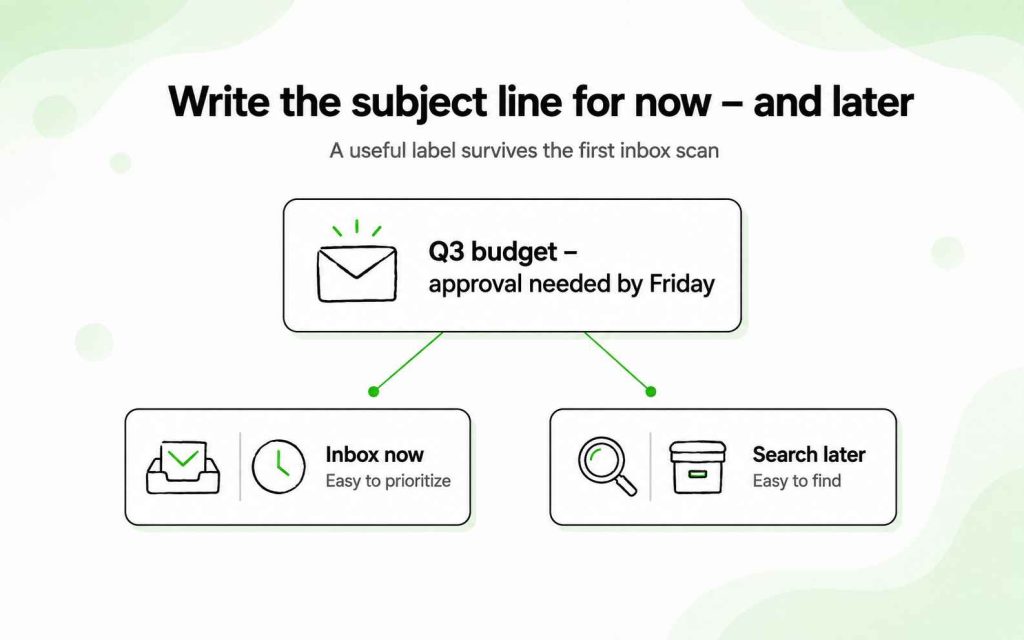
A business email subject line should tell the recipient what the message concerns. It does not need to be clever or attention-grabbing. It needs to be useful.
Compare these examples:
- Vague: Quick question
- Specific: Question about the Q3 marketing budget
- Vague: Meeting
- Specific: Agenda for Monday’s project meeting
- Vague: Follow-up
- Specific: Follow-up on the website proposal
If the email requires action, include the action or deadline where appropriate:
- Contract approval needed by Friday
- Please review: Updated onboarding plan
- Confirming our call on August 12
Avoid misleading urgency, excessive capitalization, and unnecessary punctuation. A subject such as “URGENT!!! PLEASE RESPOND” may attract attention, but it can also undermine trust.
Read how to create subject lines that prospects can’t resist.
2. Choose an appropriate greeting
The right greeting depends on your relationship with the recipient and the formality of the situation.
For most everyday business communication, use:
- Hi Anna,
- Hello Daniel,
- Good morning, Priya,
For more formal correspondence, use:
- Dear Ms. Taylor,
- Dear Dr. Ahmed,
- Dear Hiring Manager,
If you do not know how the recipient prefers to be addressed, use their full name or a neutral greeting. Avoid guessing a title such as Mr., Ms., or Mrs.
“Hi [First name]” is suitable for most modern business emails. “Dear [Name]” is a better fit for formal requests, official correspondence, or first contact in a traditionally formal industry.
3. State your purpose in the opening
The opening sentence should give the recipient enough context to understand why you are writing.
Useful openings include:
- I’m writing to confirm the schedule for next week’s training.
- Thank you for speaking with me yesterday.
- I’m following up on the proposal sent on July 28.
- I’d like to request your approval for the updated project timeline.
- As discussed during our meeting, I have attached the revised contract.
Avoid spending the first paragraph on a long introduction. In most business emails, the recipient needs the purpose of the message more than a general pleasantry.
4. Keep the body focused
Use the body to provide the information the recipient needs to understand the situation or complete the requested action.
A clear business email usually follows this order:
- Reason for writing
- Essential context or details
- Requested action
- Deadline or next step
Keep paragraphs short, especially if the message may be read on a phone. If you need to communicate several distinct details, use bullet points.
For example:
Please review the following changes before Thursday:
- The launch date has moved to September 8.
- The design review will take place on September 1.
- Final copy is due by August 28.
Bullets improve readability, but they should not turn a simple email into a lengthy report. If the information requires extensive explanation, attach a document or link to the relevant resource and summarize the main point in the email.
5. End with one clear call to action
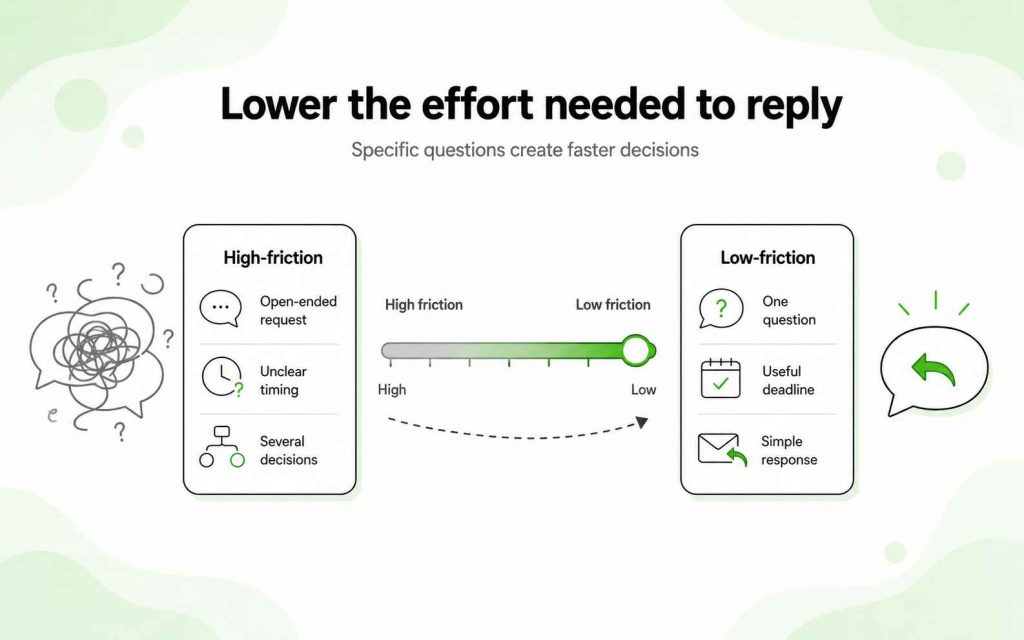
A clear call to action tells the recipient exactly what response or action you expect.
Instead of:
Let me know what you think.
Write:
Could you confirm by Thursday whether you approve the revised timeline?
Instead of:
We should discuss this soon.
Write:
Are you available for a 20-minute call on Tuesday or Wednesday afternoon?
Specific requests reduce unnecessary back-and-forth. If there is no required action, say so:
No response is needed—I’m sharing this for your reference.
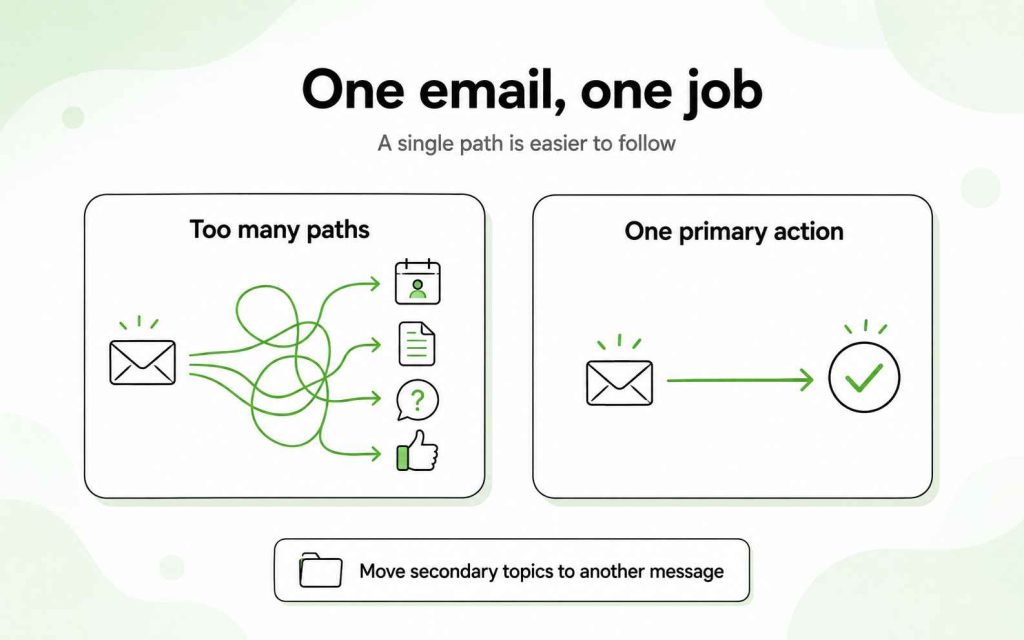
Whenever possible, keep the email focused on one primary action. Multiple competing requests can make it difficult for the recipient to determine what matters most.
6. Use a professional closing
Match the closing to the tone of the email.
Common business email closings include:
- Kind regards,
- Best regards,
- Regards,
- Sincerely,
- Thank you,
- Thanks,
“Kind regards” and “Best regards” work in most professional situations. “Sincerely” is more formal, while “Thanks” is suitable when you already have an established relationship with the recipient.
If you are making a request, avoid closing with “Thanks in advance.” It can suggest that the recipient has already agreed. A direct but neutral closing is usually more appropriate.
Read more: Business emails: 15 Ways to End An Email Professionally
7. Add a useful email signature
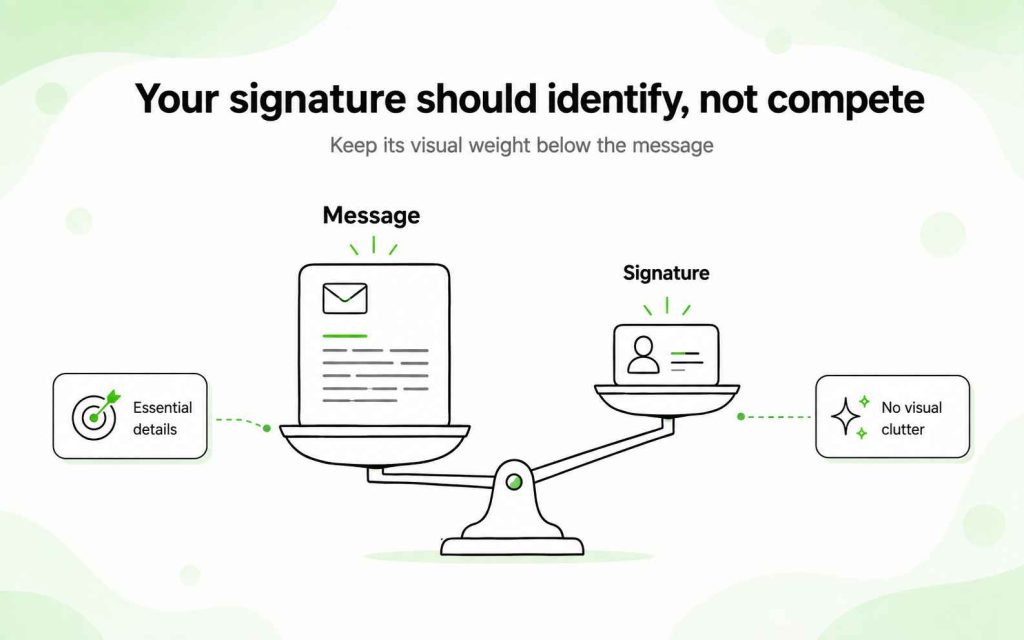
A professional email signature should identify you without overwhelming the message.
Include:
- Full name
- Job title
- Company name
- Relevant contact information
- Company website, if useful
For example:
Maria Lopez
Account Manager
Northstar Digital
[email protected]
northstardigital.com
You do not need to include every phone number, social profile, company award, banner, and legal disclaimer unless your organization requires them. A simple signature is easier to scan and less distracting.
Formal vs. everyday business email format
Formal and everyday business emails use the same basic structure. The main difference is the tone.
| Element | Everyday business email | Formal business email |
|---|---|---|
| Greeting | Hi Alex, | Dear Mr. Carter, |
| Opening | I’m following up on our call. | I am writing regarding our conversation on July 30. |
| Tone | Direct and conversational | Polite, precise, and more reserved |
| Closing | Thanks, | Kind regards, or Sincerely, |
| Signature | Name, role, and company | Full name, title, company, and contact details |
A formal email should still be clear and concise. Formality does not require outdated phrases, complicated vocabulary, or long sentences.
Business email formatting rules
The words you choose matter, but visual presentation also affects readability.
Follow these basic formatting rules:
- Use a standard, readable font.
- Keep the font size consistent.
- Write short paragraphs of one to three sentences.
- Leave space between paragraphs.
- Use bullets for lists, requirements, or action items.
- Use bold text sparingly to highlight essential information.
- Avoid writing entire sentences in capital letters.
- Limit decorative colors, images, and banners.
- Check how the email appears on mobile.
- Include only the links and attachments the recipient needs.
For regular one-to-one correspondence, simple formatting is usually best. Your email should look like a personal business message, not a marketing newsletter.
Business email mistakes that cost you responses
Even a properly structured email can fail if the recipient has to work too hard to understand or answer it.
Using a vague subject line
“Hello,” “Important,” and “Quick question” provide little context. A specific subject line makes it easier for the recipient to prioritize and find the message later.
Hiding the purpose of the email
Do not make the recipient read several paragraphs before discovering why you contacted them. State your purpose in the first one or two sentences.
Writing a wall of text
Long paragraphs are difficult to scan, particularly on mobile devices. Separate ideas into short paragraphs and use bullets where they improve clarity.
Including too many requests
An email that asks the recipient to approve a proposal, schedule a meeting, answer four questions, and review an attachment creates unnecessary friction. Identify the primary action and move secondary topics to another message if needed.
Sounding formal instead of professional
Complicated phrases do not make an email more credible.
Instead of:
I am writing to inquire as to whether you might be in a position to provide an indication of your availability.
Write:
Could you share your availability for next week?
Professional writing is clear, respectful, and appropriate for the situation.
Forgetting the attachment
If you mention a document, confirm that it is attached before sending the email. Name the file clearly so the recipient knows what it contains.
For example:
- Northstar-proposal-August-2026.pdf
- Q3-campaign-results.xlsx
Ending without a next step
“Looking forward to hearing from you” is polite but vague. If you need a response, state what you need and when you need it.
Business email format for cold outreach
A cold email uses the same basic components as a standard business email, but its content should be shorter because the recipient does not know you yet.
The recommended cold email format is:
- Short, relevant subject line
- Personalized opening
- Reason for contacting this specific person
- Concise value proposition
- One low-friction question
- Minimal signature
Here is an example:
Subject: Reducing manual follow-ups
Hi Maya,
I noticed your team is expanding its partner program across three new markets.
Woodpecker gives sales teams one place to personalize outreach, automate follow-ups, and manage replies without turning emails into generic campaigns.
Would it be useful if I sent you a short example based on your current partner outreach?
Best,
Alex
Woodpecker.co
Standard business correspondence can include more context because the recipient already understands the relationship. A cold email has to establish relevance immediately.
Keep the first cold email simple:
- Use plain text or minimal formatting.
- Avoid banner images and complex HTML.
- Write short paragraphs.
- Focus on one problem or outcome.
- Include one primary call to action.
- Keep the signature compact.
- Do not attach unsolicited files.
The goal is not to explain everything in the first message. It is to give the recipient a clear reason to respond.
Copy-and-paste business email template
Subject: [Specific topic, request, or deadline]
Hi [Recipient’s name],
[State why you are writing or refer to the previous conversation.]
[Provide the essential context, update, or information. Keep each paragraph focused on one point.]
[State the action you want the recipient to take and include a deadline if necessary.]
Kind regards,
[Full name]
[Job title]
[Company name]
[Contact information]
Before sending, replace every placeholder, verify the recipient’s name, review the subject line, and check any links or attachments.
FAQ
What is the correct business email format?
The correct business email format consists of a specific subject line, an appropriate greeting, a concise body, a clear closing, and a professional signature. The body should explain the purpose of the message, provide the necessary context, and tell the recipient what should happen next.
How do you format a professional email?
Start with a subject line that summarizes the message. Address the recipient by name, state your purpose in the opening, and divide the body into short paragraphs. Finish with one clear call to action, an appropriate sign-off, and a signature containing your name, role, and company.
What is a good business email example?
A good business email clearly explains why the sender is writing and what the recipient should do next. For example:
Subject: Approval needed for the revised project timeline
Hi Elena,
I have updated the project timeline based on the changes discussed during Monday’s meeting. The revised document is attached.
Could you review it and confirm your approval by Thursday afternoon?
Kind regards,
Robert Chen
Project Manager
Brightway Studio
Read more in our guide to the perfect business email structure.
How long should a business email be?
A business email should be long enough to communicate one clear message but short enough to scan quickly. For most everyday correspondence, two to five short paragraphs are sufficient. A first cold email is usually shorter because it should focus on one relevant idea and one simple request.
Should I use a template for business emails?
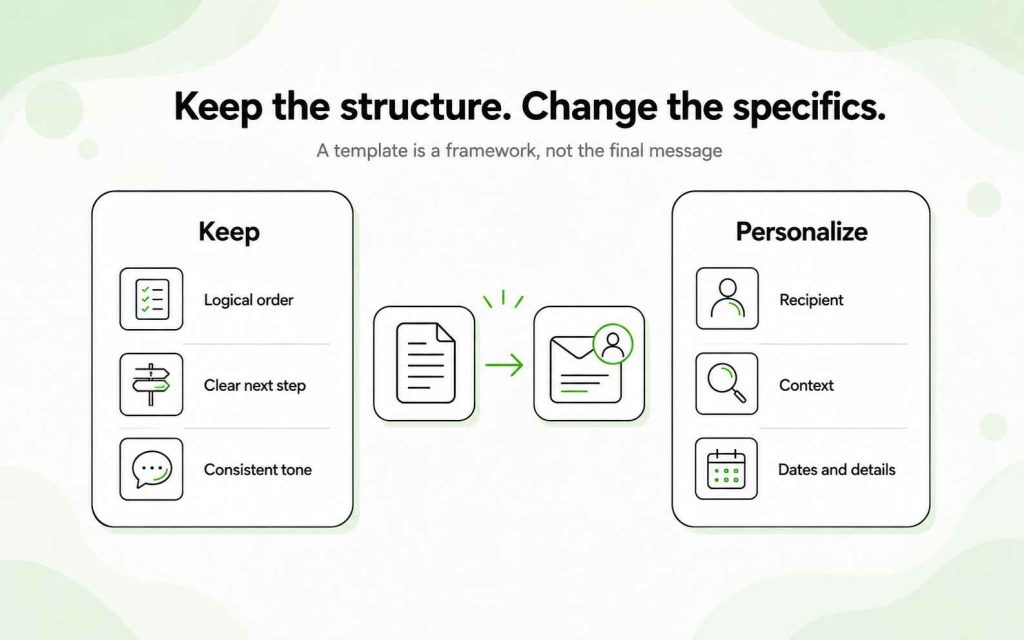
Templates are useful for recurring messages because they provide a consistent structure and reduce writing time. However, you should update the greeting, context, details, and request for every recipient. Always remove unused placeholders before sending.
Is “Hi” professional in a business email?
Yes. “Hi [First name]” is appropriate for most modern business communication. Use “Dear [Name]” when the situation, recipient, or industry requires a more formal tone.
What should a professional email signature include?
A professional signature should include your full name, job title, company name, and the contact information relevant to the recipient. Keep it concise and avoid unnecessary images, quotations, and multiple promotional links.