


Your sales pipeline is only as strong as the leads you feed into it. And for many teams, that starts with LinkedIn Sales Navigator.
Tools like Evaboot have become go-to solutions for transforming raw Navigator results into clean, enriched lists. But if you’ve ever felt your pipeline slow down right after the export step, you’re not imagining it.
Extracting clean lead data is just the first link in a much longer chain.
What happens after that: validating contact info, automating personalized outreach, tracking responses, and turning prospects into opportunities… is where revenue actually gets driven.
For growing teams and high-velocity sellers, a tool that stops at “clean data” can quickly become a bottleneck in an otherwise well-oiled process.
This article isn’t just another comparison post.
It’s a breakdown of the best Evaboot alternatives that help you move further down the pipeline (from lead extraction to engagement and conversion) so you spend less time stitching tools together and more time filling your pipeline with qualified conversations.
What is Evaboot and who is it for?
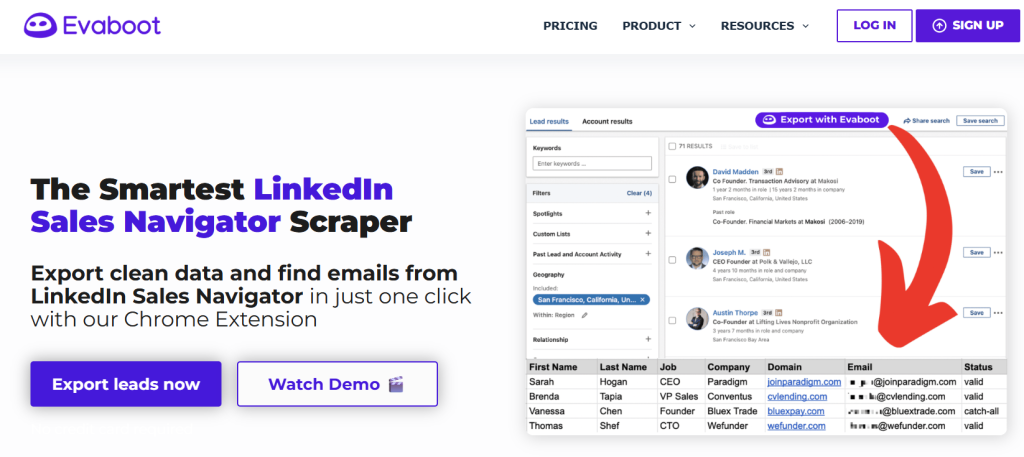
Evaboot is a LinkedIn Sales Navigator data extraction tool designed to help sales professionals and sales teams quickly extract clean data from their LinkedIn and Sales Navigator searches. It works as a Chrome extension that adds an “Export with Evaboot” button right inside LinkedIn Sales Navigator, so you can extract clean LinkedIn Sales Navigator data, including contact info, into a CSV file without days of manual effort.
At its core, this tool focuses on data enrichment, data cleaning, and email finding: it scans your Sales Navigator searches or saved lists, removes duplicates and mismatched leads, and locates professional email addresses – even running email verification to improve data quality before export.
Key features include:
- Seamless LinkedIn and Sales Navigator integration as a Chrome extension that automates extraction of LinkedIn search results into CSV.
- Data cleaning to remove emojis and junk text from names and titles.
- Built-in email finder and verifier for verified professional emails.
- Support for exporting lists of emails and phone numbers with contact data ready for outreach tools.
Pros:
- Streamlines lead generation from LinkedIn Sales Navigator into a usable, clean dataset.
- Includes email verification to improve deliverability and reduce bounces.
- Exported files work with Google Sheets or CRMs for easy data management and follow-ups.
Cons:
- Focused primarily on data extraction and not built as a full outreach tool or automation platform, meaning you’ll still need additional tools to run cold email or multi-channel campaigns.
- Pricing is usually credit-based, which can make costs unpredictable compared to simple paid plans with fixed usage.
- No direct API access or deeper workflows without linking through integrations.
Evaboot is ideal if your priority is extracting clean LinkedIn data – including names, job titles, LinkedIn profiles, and verified contact info – straight from LinkedIn Sales Navigator into usable lists for outbound campaigns, reporting, or CRM import.
Why look for an Evaboot alternative?
Evaboot is a solid LinkedIn Sales Navigator data extraction and data enrichment solution that turns Sales Navigator searches into clean, ready-to-use contact data, including professional email addresses, with minimal manual effort. Its Chrome extension automates data extraction, cleans up messy lists, and verifies emails so you can import into a CRM or Google Sheets quickly and start outreach.
But a strong start in the pipeline doesn’t always translate into a full sales process, and that’s where limitations emerge for many sales professionals and sales teams:
1. Limited functionality beyond lead extraction
Evaboot is designed specifically to extract data from LinkedIn and Sales Navigator results and clean it for export. It doesn’t include built-in outreach tools, cold email sequencing, or multi-channel automation – meaning teams must stitch it together with other platforms to move leads through the pipeline.
2. Credit-based pricing can be restrictive
Evaboot’s pricing model is typically credit-based per export and per email verification action, which can get costly or unpredictable as volume grows, especially compared with flat paid plans that bundle unlimited usage or richer verified emails quotas.
3. No native outreach or workflow automation
Because the tool focuses on data extraction and cleaning, you won’t find capabilities like AI-powered personalization, automated follow-ups, connection requests, or multi-channel sequences – all essential parts of a modern data automation platform or full outbound stack.
4. Dependence on LinkedIn and Sales Navigator
Evaboot only works with LinkedIn Sales Navigator searches and can’t scrape other LinkedIn segments or alternative platforms on its own – limiting flexibility for teams that want broader lead generation workflows or Linkedin integration with CRMs and outreach sequences.
5. Data enrichment scope is narrow
While Evaboot handles core data cleaning and some email verification well, it doesn’t enrich beyond basic fields or add deeper firmographic or behavioral insights. For advanced data management or data automation platform workflows, teams often want tools that ingest and unify prospects across multiple sources.
In short, Evaboot excels at transforming messy LinkedIn Sales Navigator data into clean lists of contacts and verified emails, but it stops short of helping you engage those leads, build sequences, or automate follow-ups within a single platform – pushing many teams to explore tools that go further down the pipeline.
Best alternatives to Evaboot
Woodpecker: the top Evaboot alternative
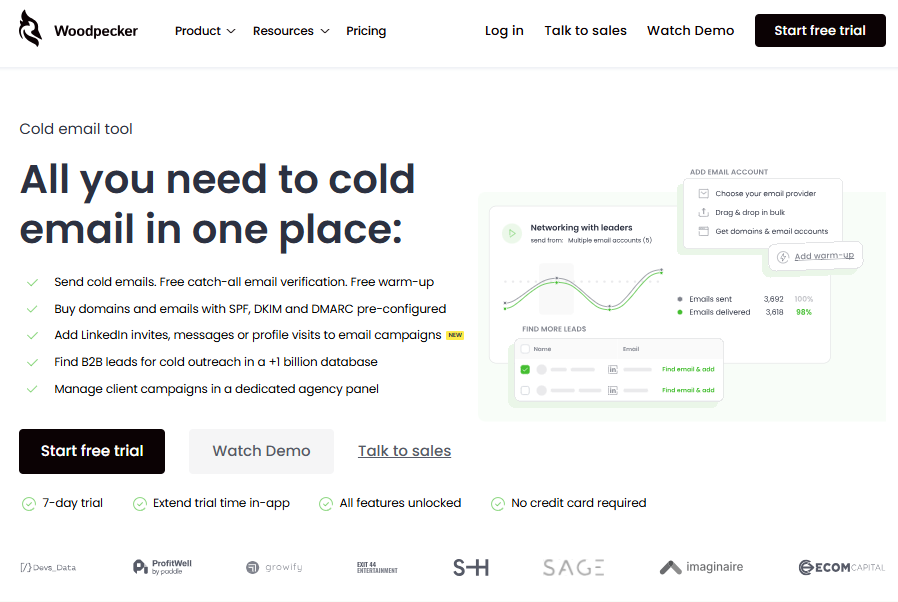
When you move beyond LinkedIn Sales Navigator data and email finding into the heart of your sales pipeline, sending, tracking, and optimizing outreach, you need more than just clean lists. That’s where Woodpecker stands out as a full-fledged outreach tool built for cold email automation and pipeline acceleration.
Best for: B2B sales teams, SDRs, agencies, and founders who want to extend lead generation into actual revenue-driving conversations.
Why Woodpecker is a step beyond Evaboot
Evaboot helps you extract LinkedIn data, enrich contact lists, and clean them for export, but it stops there. Woodpecker picks up where data extraction ends and empowers you to launch, automate, personalize, and optimize cold email campaigns without stitching multiple tools together.
- Instead of exporting to a separate outreach platform, Woodpecker lets you import contact data (from tools like Evaboot) and immediately start engaging.
- It acts as an email automation platform that handles not just sending but sequence logic, follow-ups, and deliverability features that move prospects through the pipeline.
Key features
- Cold email sequencing and automated follow-ups: create multi-step campaigns that react to opens, clicks, or replies.
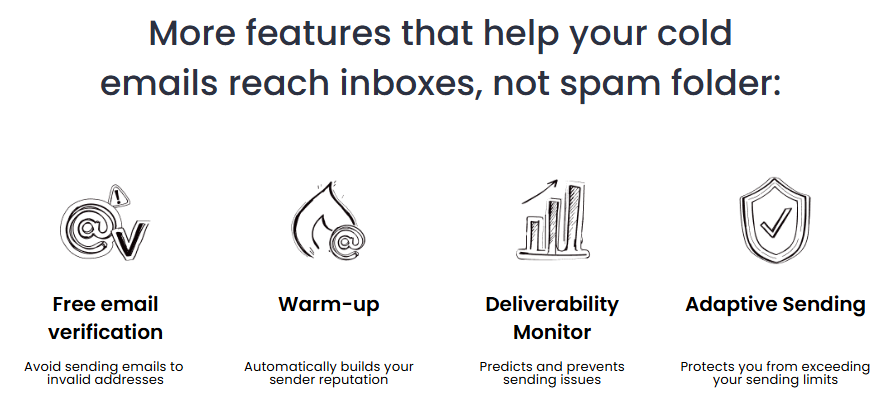
- Deliverability tools: built-in warm-up, bounce protection, and inbox rotation help your messages land in primary inboxes rather than spam folders.
- Email verification: free and unlimited verification for email lists to reduce bounces and protect sender reputation.
- Templates and A/B testing: use and test multiple email versions to optimize performance over time.
- CRM and integration options: connect with popular CRMs and automation flows via API and integration add-ons.
Why Woodpecker is better than Evaboot
- While Evaboot focuses on data extraction and cleanup from LinkedIn and Sales Navigator searches, Woodpecker handles the next step, turning that data into qualified conversations through cold email outreach and automation.
- No need to piece together separate platforms for sequences, verification, and deliverability.
- Designed to help you move leads down the funnel into engaged prospects rather than just producing lists.
Pricing & plans
Woodpecker’s pricing starts $24/month for entry-level plans with a set number of contacted prospects, with higher tiers offering advanced automation and higher send limits. A free trial is often available to test features before committing.
Ideal use cases
- Sales teams and SDRs who want to combine lead data with scalable outbound sequences.
- Agencies managing multiple clients and outreach campaigns from one place.
- Founders and small teams looking for an easy way to automate email follow-ups without expensive stacks.
Woodpecker doesn’t just take your prospect data and dump it somewhere, it turns that data into a working outreach engine that helps you move from data extraction to engagement and conversions with fewer tools and less manual effort.
Check this out: Woodpecker & LinkedIn integration

PhantomBuster
PhantomBuster positions itself as a general-purpose data automation platform, not a focused sales tool, which immediately affects usability for sales marketing teams.
Best for: flexible data scraping and automation across platforms
- Can scrape LinkedIn data, extract profiles, and push results to Google Sheets or CRMs
- Supports multiple channels, not just LinkedIn
- Becomes expensive fast due to execution-based pricing rather than clear email credits per month
- No native outreach, sequencing, or sales-ready workflows
Critical take: powerful for technical users, but overkill and fragile for sales teams that just want to export leads cleanly and reliably.
Wiza
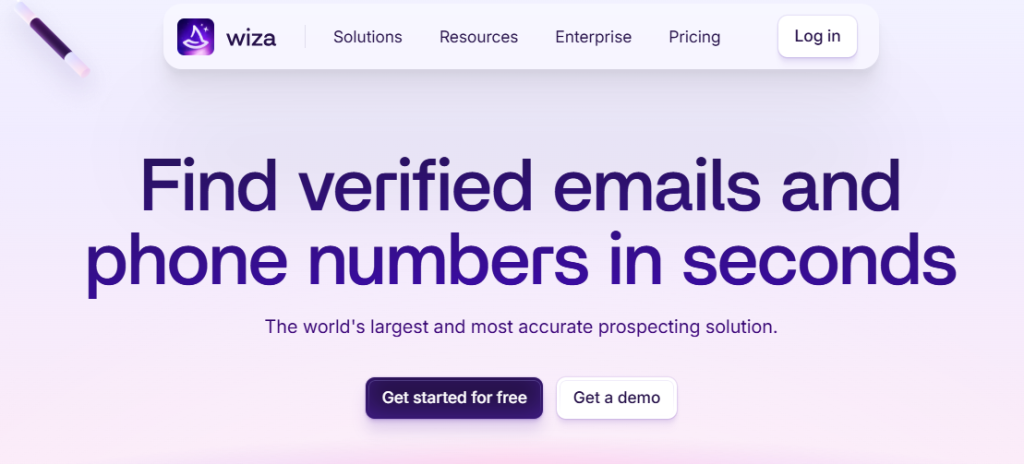
Wiza is often seen as the closest functional cousin to Evaboot, focusing on Sales Navigator searches and clean exports.
Best for: quick LinkedIn and Sales Navigator lead exports
- Works as a Chrome extension to scrape LinkedIn search results
- Finds verified email addresses and exports CSV files
- Still no outreach, sequencing, or pipeline logic
- Pricing feels similar to Evaboot without major differentiation
Critical take: a solid Sales Navigator scraper, but it doesn’t meaningfully change the workflow if Evaboot already feels limiting.
Snov.io
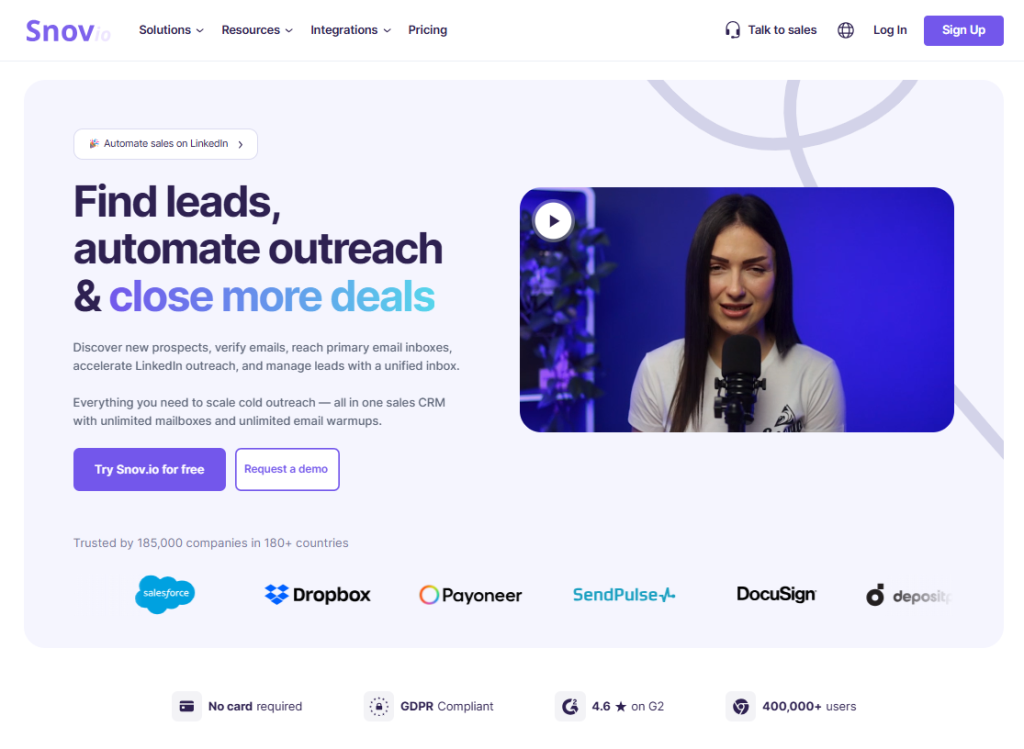
Snov.io tries to cover more of the outbound stack, blending extraction, verification, and basic outreach in one interface.
Best for: budget-conscious teams wanting extraction + basic outreach
- Includes email finding, email verification, and cold email features
- Uses email credits and AI credits, which can add complexity at scale
- UI and workflows feel heavy for simple use cases
- Outreach features remain basic compared to dedicated platforms
Critical take: more complete than Evaboot, but not ideal for large sales teams that need clarity, speed, and deliverability focus.
Skrapp
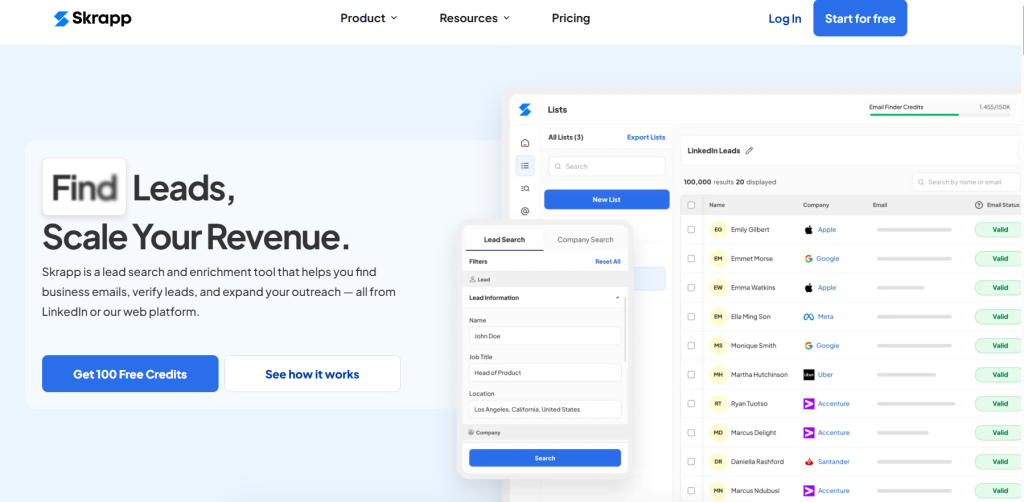
Skrapp is a lightweight email finder that prioritizes simplicity and cost over depth.
Best for: simple email extraction on a budget
- Offers a free plan with limited credits per month
- Can extract emails from LinkedIn profiles
- No outreach automation, no sequencing, no real integrations
- Data quality can vary once volume increases
Critical take: useful for quick list building, but it breaks down fast once you move past a starter plan.
GetProspect
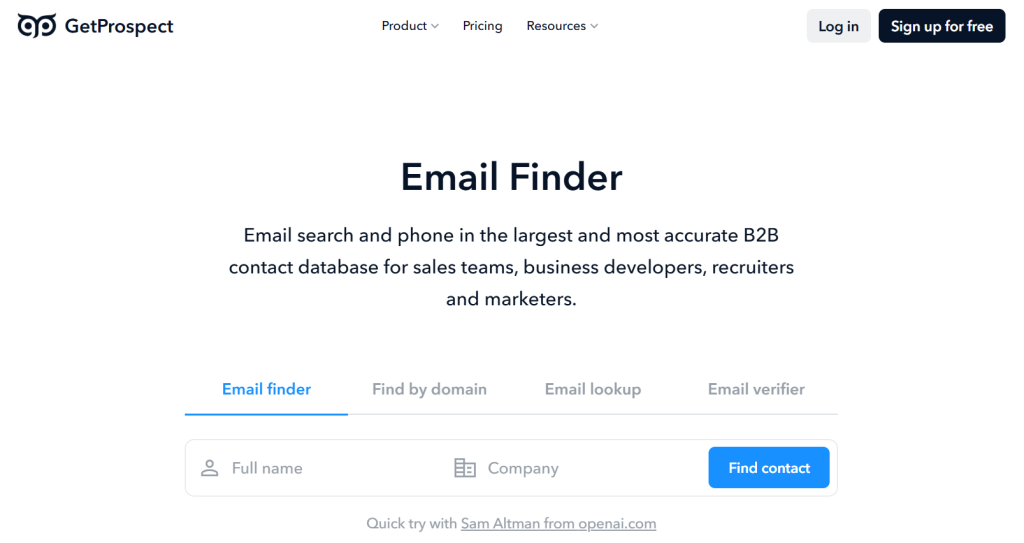
GetProspect focuses heavily on speed and volume, leaning on a massive database rather than workflow depth.
Best for: fast access to verified business emails
- Provides verified emails and basic enrichment
- Exports clean lists to CSV or CRM
- No real automation, no sequencing, no pipeline intelligence
- Accuracy can drop when filters become more specific
Critical take: good for raw email data, but weak when precision and context matter.
Captain Data
Captain Data is closer to a backend automation layer than a sales tool, which changes expectations significantly.
Best for: custom scraping and enrichment workflows
- Strong for complex data automation platform use cases
- Supports LinkedIn scraping, enrichment, and CRM sync
- Requires setup, maintenance, and technical ownership
- Pricing and complexity rule it out for most sales teams
Critical take: powerful, but rarely worth it unless you already run advanced internal automations.
Clay
Clay sits at the far end of the spectrum, optimized for enrichment depth rather than speed or simplicity.
Best for: advanced enrichment and multi-source data workflows
- Excellent for deep enrichment and data merging
- Supports AI-powered workflows and custom logic
- Expensive, complex, and slow to operationalize
- Overkill for teams that just want to scrape LinkedIn data and act
Critical take: great for ops-heavy teams, poor fit for fast-moving outbound sales.
Most Evaboot alternatives either stop at data extraction or shift too far into technical automation. Very few tools bridge the gap between clean LinkedIn data and real outbound execution, which is exactly why many teams outgrow scrapers and move toward full outreach platforms.
Checklist: how to pick the right Evaboot alternative
Choosing the right tool isn’t about features on a pricing page. It’s about how well the tool fits your entire process, from collecting data to actually turning it into pipeline. Use this checklist to pressure-test any Evaboot alternative before you commit.
1. Does the tool support the entire process, not just extraction?
Many tools help you collect data or scrape LinkedIn, but stop right after you export leads. Ask yourself:
- Can this tool move prospects beyond a CSV file?
- Does it reduce manual handoffs between other tools?
If the workflow still breaks after export, you’re solving only part of the problem.
2. Are usage limits predictable as volume grows?
Credit-based models often look cheap at first, then become painful at scale.
- How many credits per month do you actually need?
- Do email credits, AI credits, or enrichment credits reset or roll over?
- Do paid plans start at a level that supports real usage, or just testing?
Predictability matters more than headline price.
3. Is there direct integration with your sales stack?
A good alternative should plug into your workflow, not sit beside it.
- Is there direct integration with your CRM, email platform, or outreach tool?
- Will you need Zapier, scripts, or manual exports?
The more friction here, the slower your pipeline becomes.
4. How good are filtering and matching capabilities?
Data quality depends on how well a tool can match filters from Sales Navigator or LinkedIn searches.
- Can it reliably handle complex Sales Navigator filters?
- Does it prevent mismatched leads or broken records?
If filtering breaks, data cleaning becomes manual again.
5. Do advanced features actually help sales, or just look good?
Many tools advertise advanced features that sound impressive but add little value.
- Do those features support outreach, personalization, or pipeline movement?
- Or do they require heavy setup with minimal payoff?
Advanced only matters if it saves time or increases conversion.
6. Is LinkedIn automation a strength or a risk?
Some alternatives include LinkedIn automation on top of scraping.
- Is it optional, controlled, and compliant?
- Or does it introduce account-safety risk?
For many teams, separating extraction from automation is safer.
7. How transparent is pricing across plans?
Look past the starter numbers.
- What happens when you move from Pro plan to higher tiers?
- Is there an Elite plan or custom pricing, and what actually changes?
- Does “competitive pricing” stay competitive at real volumes?
Hidden limits usually show up late.
8. Will this tool still work when your team grows?
What works for one person often breaks for five or ten.
- Does the tool support collaboration and scaling?
- Or does cost and complexity explode for larger teams?
This is where many tools fall apart.
Final rule of thumb: if a tool only helps you export leads, it’s a scraper. If it helps you collect data and move prospects forward without stitching systems together, it’s a solution.
Over to you
If your current setup stops at lead export and leaves the rest to manual work, it’s time to rethink the stack. Try Woodpecker to move beyond data extraction and run the entire outbound process in one place, from importing leads to sending personalized follow-ups and tracking replies.
Start with a free trial or book a demo to see how Woodpecker turns clean data into real pipeline.