


If you’re looking for the next best tool for your cold email campaigns, you’re not the first person to consider Emailchaser. Many other business owners and marketers have considered picking it up as a replacement for a well-established tool (such as Woodpecker or Lemlist) or as an affordable way to get unlimited email accounts and send messages that reach the primary inbox.
The only problem? There is very little information available about Emailchaser. We’ve done the research and today, we’re telling you what we learned about Emailchaser.
Get the best Emailchaser alternative for cold outreach. Try Woodpecker for free today.
Emailchaser reviews are hard to find
The reason is simple, and that’s because Emailchaser has no presence online. There is a single (but positive) review on TrustPilot, and there are no profiles on G2 or Capterra.
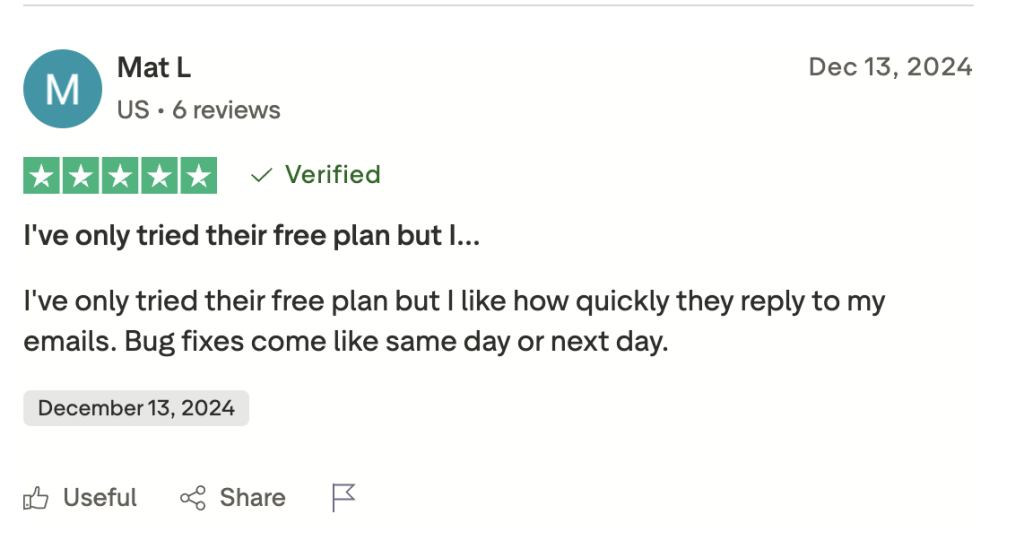
This means that sales teams should look in other places to find reviews about Emailchaser and how it works for outreach campaigns. Have no fear, because there’s the Emailchaser website.
The Emailchaser website has a reviews section
If you want to find out what real users think about Emailchaser, the vendor has graciously provided a reviews section on their website. Naturally, it’s filled with positive accounts of Emailchaser users who signed up and tried the product.
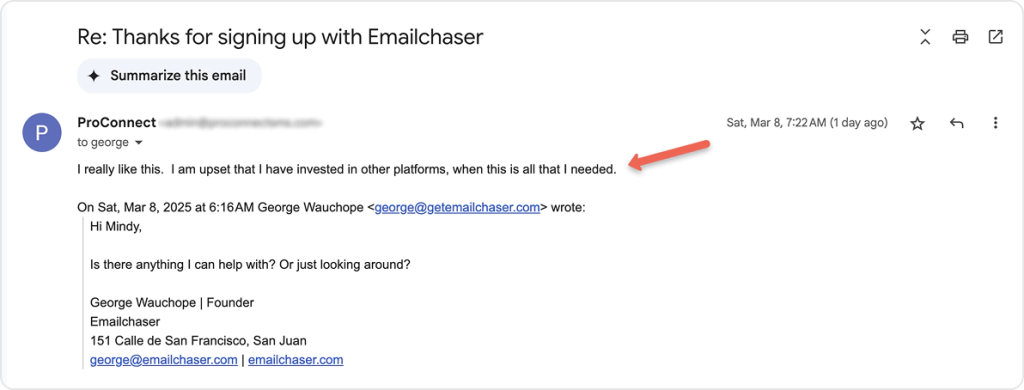
Besides the clear lack of negative reviews, that’s the part that stands out the most: the majority of reviews talk about one-time or short-term outreach efforts rather than the long-term effects of using Emailchaser in their sales process.
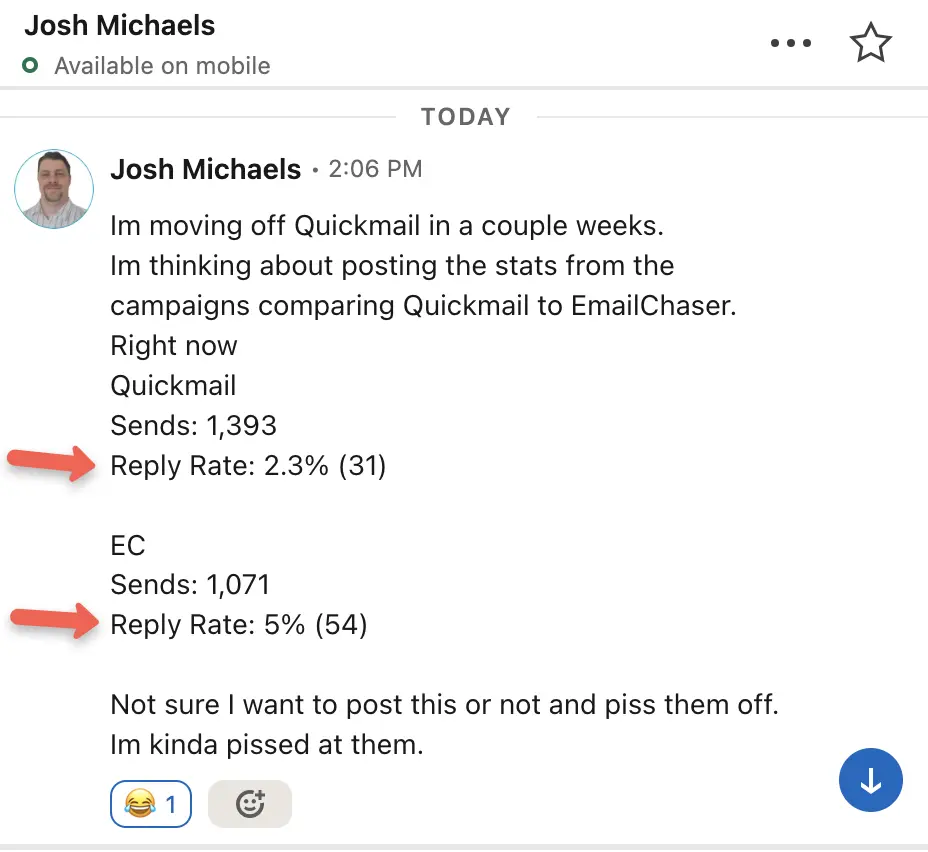
So you think to yourself, there has to be an independent venue where real users compare Emailchaser to other tools for email outreach. You thought wrong.
Reddit has a few reviews, but they seem to be fake
There are a handful of posts on Reddit, with users asking about Emailchaser and how it impacts email deliverability, whether emails dodge the spam filters, etc.
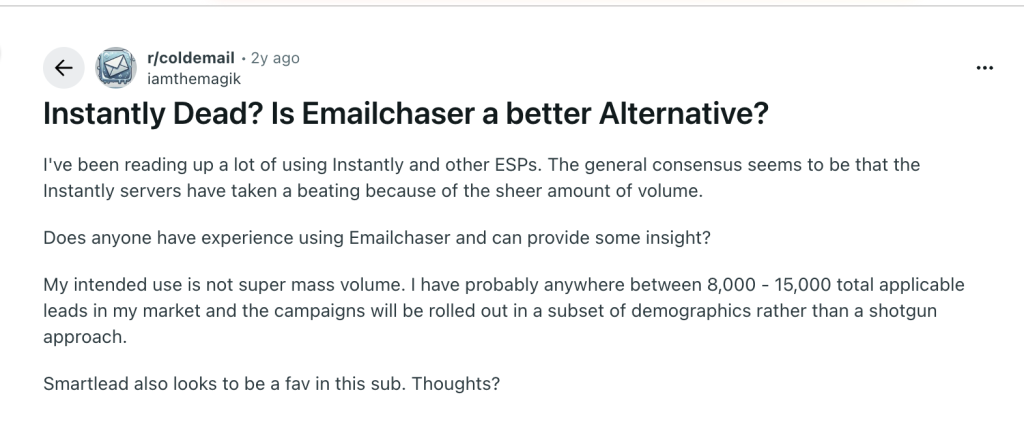
Unfortunately, it seems like many of the comments on Emailchaser come from the people who work there.
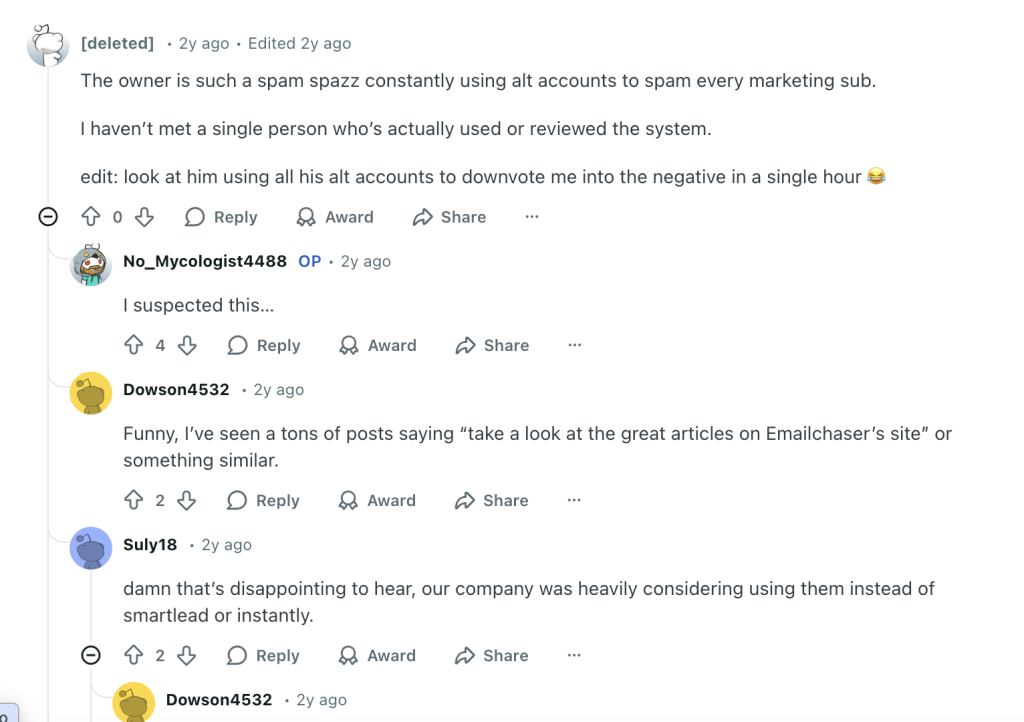
Unfortunately, outside of these few threads, there are very few reports on how Emailchaser actually works.
What you should really know about Emailchaser
Emailchaser is a cold email outreach tool built around one core promise: sending a large volume of cold emails from multiple sender email accounts while keeping them out of spam folders. The platform is marketed toward founders, agencies, and sales teams that want to send cold emails at scale without spending too much time configuring campaigns.
The concept is simple.
You connect several email inboxes, upload a list of prospects, write a sequence, and start sending messages. The tool claims that by spreading emails across multiple sender email accounts, your outreach looks more natural and is less likely to trigger spam filters.
Compared with established outreach platforms, Emailchaser is relatively lightweight. It focuses on basic campaigns and sending volume rather than deep automation, analytics, or team collaboration.
The platform also integrates with tools such as Sales Navigator to help users find prospects and start cold email outreach quickly. However, it is clearly positioned as a simple outreach sender rather than a full sales engagement platform.
For solo founders or small teams, that simplicity may be attractive. For larger teams trying to run structured outbound programs, the lack of deeper campaign controls can become noticeable fairly quickly.
Emailchaser pricing
The pricing model is unusual and a bit confusing at first glance.
Emailchaser offers only two plans, and the difference between them is huge. Instead of several pricing tiers with gradual upgrades, the platform jumps from an extremely cheap plan to a very expensive one.
Here is how the pricing currently works.
The Starter plan costs $1 per month. It includes:
- One sender email account
- Unlimited active leads
- Unlimited emails
- A master inbox
- A basic sales CRM
At first glance, this sounds almost too good to be true. The idea is that you can start sending cold emails for practically nothing.
However, the main limitation is that you only get one sender email account. That makes it difficult to scale cold email outreach because sending large volumes from a single inbox can quickly hurt deliverability.
The Professional plan costs $297 per month and unlocks the full platform.
It includes:
- Unlimited email sending accounts
- Unlimited active leads
- Unlimited emails
- All advanced features for campaign management and outreach
This plan is clearly aimed at users who want to run cold email outreach at scale with multiple email accounts and inboxes.
The problem is the huge pricing gap between the two plans. There is no middle option for teams that want more than one sender email account but are not ready to pay nearly $300 per month.
Most competing tools offer several pricing tiers that gradually unlock advanced features, making them easier to adopt as outreach programs grow.
Core features for cold email outreach
Emailchaser includes the basic building blocks required to run cold email outreach campaigns.
Key capabilities typically include:
- Connecting multiple sender email accounts to distribute sending volume
- Creating basic campaigns with simple follow-up sequences
- Personalization tags that help you personalize emails for each prospect
- Prospect discovery features connected to Sales Navigator
- Email verification to help clean contact lists before sending
These features allow users to run straightforward outbound campaigns without relying on several different tools.
However, the overall feature set remains fairly minimal. The platform focuses on sending emails and tracking replies rather than managing the entire sales process.
For example, there is limited functionality for team collaboration, complex campaign branching, or deep CRM style workflow automation. As a result, many teams eventually move to platforms that support more advanced outbound infrastructure once their outreach programs grow.
Deliverability and staying out of spam
Emailchaser heavily promotes the idea that its system helps emails land in the primary inbox and stay out of spam folders.
The platform encourages users to connect multiple sender email accounts and spread messages across them. This reduces the number of emails sent from any single inbox, which can help protect sender reputation.
Email verification is another feature that supports deliverability. By validating email addresses before sending, users reduce bounce rates, which can damage deliverability over time.
Still, deliverability in cold email outreach depends on many factors outside of the tool itself.
For example:
- The quality of the prospect list
- Whether domains and inboxes are properly warmed up
- The reputation of sender email accounts
- How aggressively campaigns are scaled
Emailchaser can help manage sending activity, but it does not completely remove the risk of emails landing in spam folders.
Users looking for long term outreach efficiency often need additional infrastructure, such as inbox warmup tools, sending rotation strategies, and careful campaign pacing to maintain good deliverability.
User interface and everyday usability
One area where Emailchaser receives mixed reactions is the user interface.
The platform focuses on speed and simplicity. Creating campaigns is fairly straightforward, and most users can start sending messages quickly after connecting their inboxes.
For people who only need to send cold emails and track replies, the interface is easy to understand and does not overwhelm users with complex settings.
At the same time, that simplicity comes with trade-offs.
Advanced campaign controls, reporting dashboards, and deeper workflow customization are fairly limited compared with established outreach platforms. Teams that rely heavily on outbound sales often expect more detailed performance insights and automation.
In short, Emailchaser can work for basic campaigns and simple cold email outreach setups. But once teams start optimizing campaigns for outreach efficiency and trying to book more meetings at scale, they may find themselves needing a tool with a broader feature set and stronger analytics.
Why Woodpecker is the better choice
Emailchaser may look attractive at first because of its low entry price and unlimited sending concept. However, once you look closer at the feature set, pricing structure, and lack of independent user feedback, it becomes harder to justify using it for serious cold email outreach.
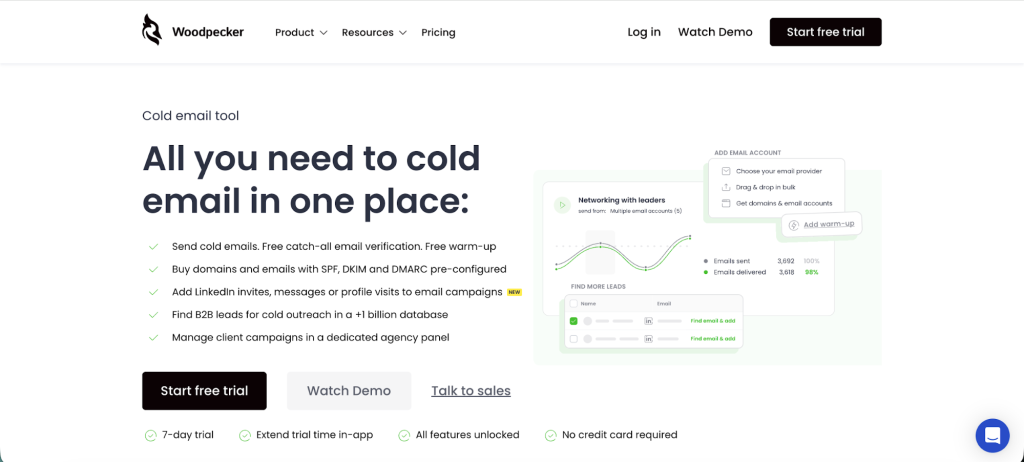
Woodpecker offers a much more stable platform for running outbound campaigns. Instead of focusing only on sending emails, it works as an all-in-one solution for prospecting, outreach, and managing emails across multiple inboxes.
One of the biggest advantages is the built-in tools that help you verify email addresses before sending campaigns. This reduces bounce rates and protects sender reputation, which is essential if you want to keep emails out of spam folders.
Woodpecker also includes features such as an email finder, automated follow-up sequences, reply detection, and team collaboration tools. These capabilities help sales teams organize their outreach instead of juggling multiple separate tools.
Another important difference is how campaigns are optimized. Woodpecker gives you better reporting and automation, making it easier to personalize outreach, run structured campaigns, and improve performance over time. That level of control can directly contribute to higher reply rates and a more predictable outbound process.
If you are serious about cold email outreach and want a platform built for long-term outreach efficiency, Woodpecker is simply the more reliable choice.