


If you want to try out cold email campaigns in 2026, just a basic Google Workspace account will be enough to get you started. But if you want to make cold email a dedicated channel for new revenue, you need to go deeper. Dedicated IP addresses, multiple domains, and email accounts are just the tip of the iceberg.
Instead of doing it manually, you can use a tool such as Maildoso, which gives you your own private IP infrastructure and the ability to create unlimited email inboxes for outreach.
Today, we take a closer look at this email infrastructure tool to determine if Maildoso is a good fit for your needs.
PS. You can use Woodpecker for cold outreach and Maildoso for your IP infrastructure and domains, combining the best of both worlds for outreach.
You can learn more about the Woodpecker integration with Maildoso here.
What is Maildoso and who is it for?
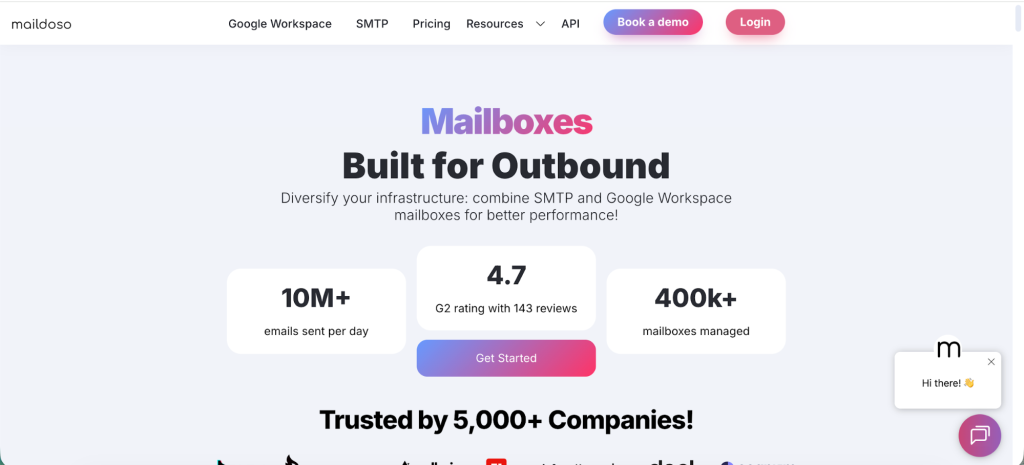
Maildoso is a tool built for teams that need to run high-volume cold email campaigns while keeping their main domains protected. Instead of just sending emails, it focuses on the technical side of cold outreach. You get dedicated domains, inboxes, and full email authentication handled for you, so your emails have a better chance of reaching inboxes.
With daily inbox placement checks, Maildoso helps you with deliverability optimization in just a few clicks while it handles the details in the background.
It is a good fit for agencies, lead generation companies, and sales teams managing lots of mailboxes across multiple domains. If you are running outreach at scale and want to avoid the hassle of setting up and maintaining your own email infrastructure, Maildoso gives you a way to do it without risking your main business email reputation.
Top Maildoso features
Maildoso comes with a rich feature set for experienced cold email marketers.
SPF, DKIM, and DMARC checks
Before sending any cold emails, Maildoso verifies that your domains have proper SPF, DKIM, and DMARC records in place.
These email authentication protocols are critical for keeping your messages from spam folders. SPF confirms that Maildoso is authorized to send emails on behalf of your domain. DKIM adds a digital signature to prove the message has not been altered.
DMARC tells receiving servers how to handle suspicious or failed authentication. Maildoso handles these checks automatically to help you maintain a strong sender reputation.
Purposely built inboxes and domains for cold emailing
Cold email can put your main domain at risk if deliverability issues arise. Maildoso solves this by setting up dedicated domains and inboxes explicitly designed for cold outreach. You can create mailboxes and manage multiple domains and multiple email accounts instead of sending from a single address.
These secondary domains isolate your campaigns from your primary business email, giving you a safety buffer and helping you avoid spam filters. The inboxes are configured for high-volume sending and set up to follow best practices immediately.
Domain forwarding
Managing multiple cold email inboxes can quickly become a mess. Maildoso simplifies the cold email setup by forwarding all replies from your cold email accounts to a destination of your choice.
Whether you want everything to arrive in your main inbox or a shared account for your team, domain forwarding guarantees that you never miss a reply, no matter how many sending addresses you use.
Master inbox
When you run multiple campaigns across different domains, tracking replies becomes challenging.
The master inbox feature in Maildoso centralizes incoming replies from all your sending domains into one place. You do not have to log into each mailbox. This saves time and the setup speed allows your team to handle conversations more efficiently.
Maildoso pricing plans
As of 2026, Maildoso has a new pricing structure that covers quarterly instead of monthly plans:
These plans are built for outbound email infrastructure, with domains included at no extra cost and pricing billed every three months:
- 32 mailboxes: $299 per quarter, about $3.10 per mailbox, includes 8 domains for free.
- 68 mailboxes: $499 per quarter, about $2.40 per mailbox, includes 17 domains for free.
- 400 mailboxes: $2,199 per quarter, about $1.80 per mailbox, includes 100 domains for free.
Combo Plans (SMTP + Google Workspace)
These let you mix standard Google Workspace mailboxes with SMTP mailboxes for outbound email:
- 10 Google Workspace + 10 SMTP mailboxes: $50 per month, about $2.50 per mailbox, requires 4 domains (not included).
- 25 Google Workspace + 25 SMTP mailboxes: $113 per month, about $2.25 per SMTP mailbox and $2.50 per Workspace mailbox, requires 10 domains (not included).
- 100 Google Workspace + 100 SMTP mailboxes: $380 per month, about $1.90 per SMTP mailbox and $2.50 per Workspace mailbox, requires 40 domains (not included).
Google Workspace Only
Standard business-licensed mailboxes hosted through Google:
- 20 mailboxes: $65 per month, about $3.25 per mailbox, 4 domains required (not included).
- 50 mailboxes: $150 per month, about $3.00 per mailbox, 10 domains required (not included).
- 200 mailboxes: $500 per month, about $2.50 per mailbox, 40 domains required (not included).
SMTP Only (Monthly Billing)
Outbound-optimized mailboxes designed for cold email, billed monthly:
- 20 mailboxes: $50 per month, about $2.50 per mailbox, 4 domains recommended (not included).
- 50 mailboxes: $113 per month, about $2.25 per mailbox, 10 domains recommended (not included).
- 200 mailboxes: $380 per month, about $1.90 per mailbox, 40 domains recommended (not included).
- 10,000 mailboxes: $12,000 per month, about $1.20 per mailbox, 2,000 domains recommended (not included).
- 20,000 mailboxes: $16,000 per month, about $0.80 per mailbox, 4,000 domains recommended (not included).
Domain Registration
Domains can be registered through Maildoso or connected independently:
- 4 domains: $48 per year ($12 per domain).
- 10 domains: $120 per year ($12 per domain).
- 40 domains: $480 per year ($12 per domain).
What real Maildoso users are saying
If you intend to use Maildoso for your cold email infrastructure, you’ll want to do some research on the reviews first. At the moment of writing, there are 140+ reviews on G2 for Maildoso, most of them fairly positive.
One user stated that the customer support team is very helpful, which comes in handy if you’ve never dealt with a cold email infrastructure tool before:
“Support is really good, and there is a really good community. This helps a lot with doubts and best practices. On the other han,d there was a big issue with blacklisted emails, but they solved it quite well, and the solution they gave was useful for us. I really appreciate the honesty in their communications.”
Deliverability management features are also good, with options to see deliverability for each individual inbox to keep better tabs on your campaigns. As one user states:
“Extremely good deliverability and great features like being able to deliverability scores for each of your inboxes. Issues are very rare, and their team are extremely helpful and proactive.”
And as another user highlights, the metrics and the level of detail are exceptional:
“What I like best about Maildoso is how transparent and granular it is when it comes to deliverability reporting. Unlike tools like Instantly, which give you a single overall score that doesn’t tell the full story, Maildoso breaks things down by domain—so you can actually see how your emails are performing across Gmail and Outlook.
That means if your emails are hitting spam in Outlook but doing fine in Gmail, you’ll know right away and can adjust accordingly. It takes the guesswork out of deliverability and helps you make smarter, faster decisions.”
Top Maildoso alternatives for your cold email infrastructure
If you need your own dedicated IP address for cold emails, multiple accounts and domains, and more, Maildoso is not the only option in the market. Here are some excellent alternatives to break through to the primary inbox.
Woodpecker
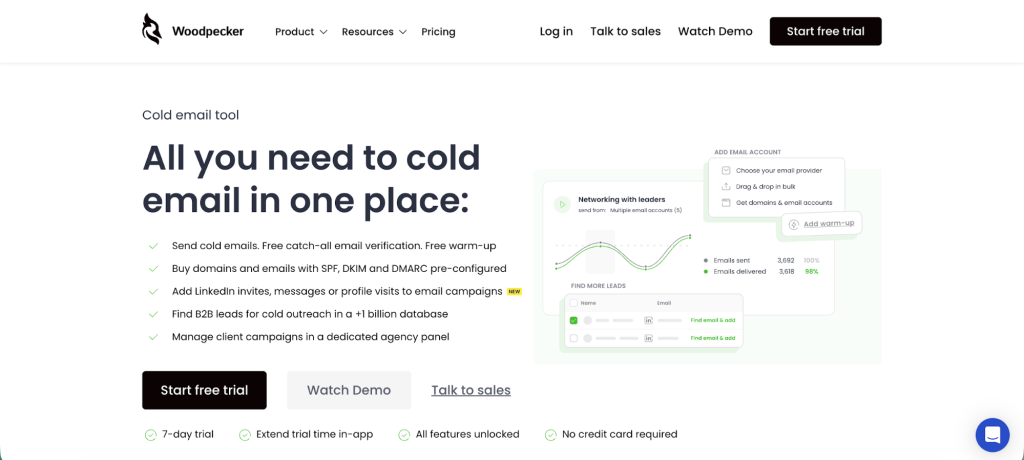
Woodpecker delivers a strong combination of usability, inbox placement, and outreach automation, making it a go‑to for teams serious about cold email results. It includes built-in warm‑up, email verification, A/B testing, inbox rotation, and multi-domain sending, all wrapped in a straightforward interface. Woodpecker has you covered if you care about emails landing in the inbox.
You don’t have to choose between Woodpecker and Maildoso. In fact, you can use both in combination to achieve better deliverability.
Key features:
- Automated email warm‑up campaigns with sender reputation protection
- Unlimited email accounts and team members are included by default
- A/B testing and conditional follow‑ups for tailored outreach flows
- Built-in email verification to reduce bounces
- Inbox rotation and multi-domain sending for high-volume campaigns
- Native CRM integrations (HubSpot, Salesforce, Pipedrive, etc.)
- Unified inbox and real-time campaign analytics
Pricing:
Starts at $24/month for starter plans, with agency and enterprise tiers scaling to larger contact volumes and advanced features. A free 7‑day trial is available.
Considerations:
✅ Reliable deliverability backed by warm‑up and verification
✅ Scales easily with unlimited mailboxes and team users
✅ Strong support and documentation praised by users
❌ Interface may feel dated or basic to some users
❌ Reporting is solid but lacks depth compared to enterprise CRMs
❌ Cost can add up when scaling multiple mailboxes
What users say:
“Woodpecker offers tons of tools specialised for cold outreach … Karina from Woodpecker was so supportive in answering my many questions.”
“The high deliverability rates ensure my emails land in inboxes, not spam folders. … their support team is incredibly responsive.”
“One of the TOP cold email tools … Ease of use is the best among other email sending tools from our experience. Support is great and quick.”
Why it beats Maildoso:
Maildoso focuses on infrastructure, but Woodpecker pairs domain management with active campaign control, such as warm‑up, personalization, follow‑ups, analytics, and team collaboration. It’s a full cold email solution that helps you send smarter and stay out of spam, making it the more complete choice.
Get started with Woodpecker for free today.
Smartlead
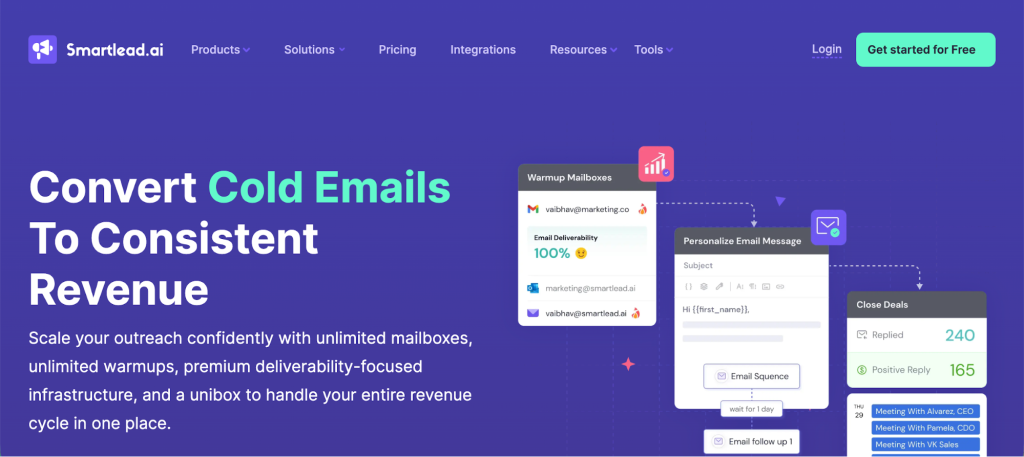
Smartlead offers cold email outreach with strong deliverability tools and the option to expand into multichannel outreach. It allows businesses to manage multiple inboxes, automate follow-ups, and warm up domains without volume restrictions. Smartlead is suited for teams that want flexibility as they grow, with multichannel options available on higher plans.
Key features:
- Deliverability tools with unlimited email warm up
- Automated email follow-ups to increase response rates
- Unified inbox for managing multiple accounts in one place
- API access for advanced integrations and workflows
- Optional multichannel infrastructure for broader outreach
Pricing:
Plans start at $39 per month. Higher-tier plans unlock additional features, and custom plans are available. Free trial offered.
Considerations:
✅ Unlimited warmup included
✅ Unified inbox simplifies reply management
✅ Flexible multichannel options for growing teams
❌ Occasional platform lags reported
❌ Interface could be more polished
❌ MX inbox disconnections and sync issues reported
What users say:
“The tool is maybe a bit too ‘raw’ in terms of design.”
“It is slightly complex and often my MX inbox gets disconnected with confusing instructions on how to proceed to the next steps.”
“While Smartlead offers many beneficial features, it occasionally lags, which can be a hindrance in time-sensitive scenarios.”
“Loading sometimes takes toooo long, need to refresh the inboxes manually as they didn’t fetch new email in real time.”
Mailscale
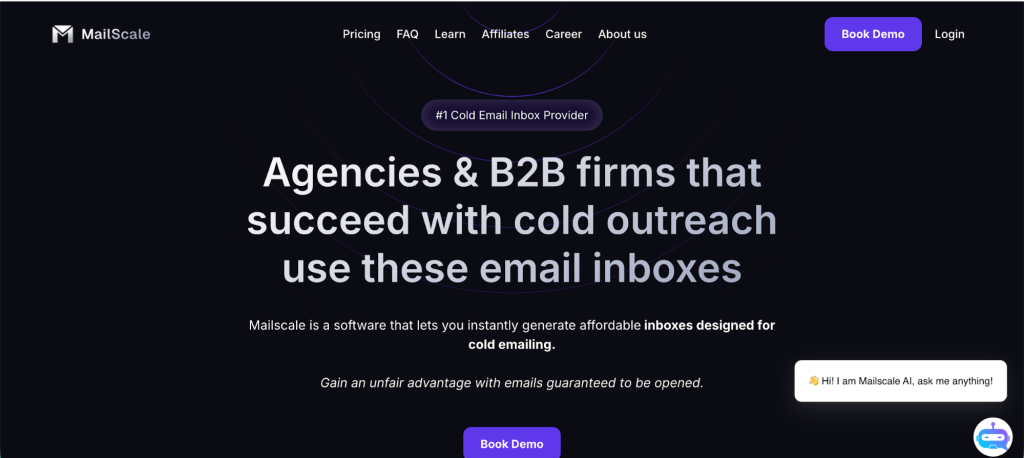
Mailscale allows businesses to spin up hundreds of inboxes and domains built specifically for cold email outreach. It handles domain acquisition, DNS setup, warmup, and inbox management under one platform, making it easy to scale outbound campaigns without risking your primary domain. It is a practical solution for sales teams, agencies, and lead generation companies that need to manage large cold email operations.
Key features:
- Instantly create up to 1,000 email inboxes
- Purchase secondary domains directly through the platform
- Automated DKIM, DMARC, and SPF setup for authentication
- Email forwarding to centralize replies
- Built-in email inbox warmup to protect deliverability
- Managed infrastructure with live support and deliverability consulting
Pricing:
As of early 2026, Mailscale pricing is not public and you have to reach out to them to book a sales call.
Considerations:
✅ High-volume inbox creation for cold outreach
✅ Fully managed domain and DNS setup
✅ Built-in warmup and deliverability support
❌ Domain pricing is higher than advertised in the FAQ
❌ You must purchase domains directly through Mailscale
❌ Warmup process can take several weeks
What users say:
“Their FAQ page says domains cost $9-13, but the .com domains were $15 when I logged in. (which is almost double what other providers charge). I couldn’t see this pricing change until having already subscribed to Mailscale, so you have to pay the increased rate to continue with no warning.”
“You’re forced to buy domains inside of Mailscale, which can be more expensive than other providers. Not a big deal, but would love some flexibility to bring in my own domains.”
“Only downside is having to wait 2-3 weeks for emails to warm up however there are very few companies that offer that and they are usually very expensive.”
Saleshandy
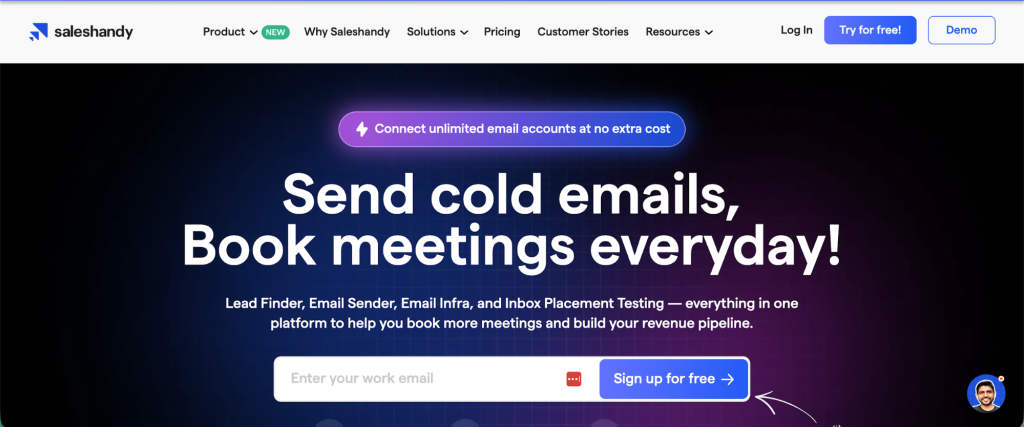
Saleshandy offers cold email automation focused on outbound sales, recruitment, and agency workflows. It gives teams a range of sending, rotation, and warmup features that help manage deliverability while running large-scale campaigns. The pricing model allows businesses to choose packages based on their specific use case, though the plan structure may feel complicated at first.
Key features:
- Unified inbox for managing replies across accounts
- Sender rotation to spread sending volume and protect domain reputation
- Automatic email warmup to build sender trust
- A-T testing (multivariate) for optimizing campaign performance
- Email verification is available for an extra charge
Pricing:
No free plan, but there is a free 7-day trial. Cold emailing packages start at $25 per month. Email verification is charged separately. Other plans are available for lead generation, agency services, and B2B account management, each with different pricing.
Considerations:
✅ Strong warmup and sender rotation options
✅ Unified inbox simplifies reply management
✅ Flexible package structure for different teams
❌ Limited integrations on lower plans
❌ Follow-up automation not included in basic cold email plans
❌ Many plan options may be confusing for new users
What users say:
“The user interface and managing contacts can be confusing. It’s tough to navigate and use the tool smoothly.”
“Saleshandy doesn’t fully work with Zoho, and it needs more HTML sample templates. It makes it harder to create good emails without extra work.”
“There could be more integrations.”
Mission Inbox
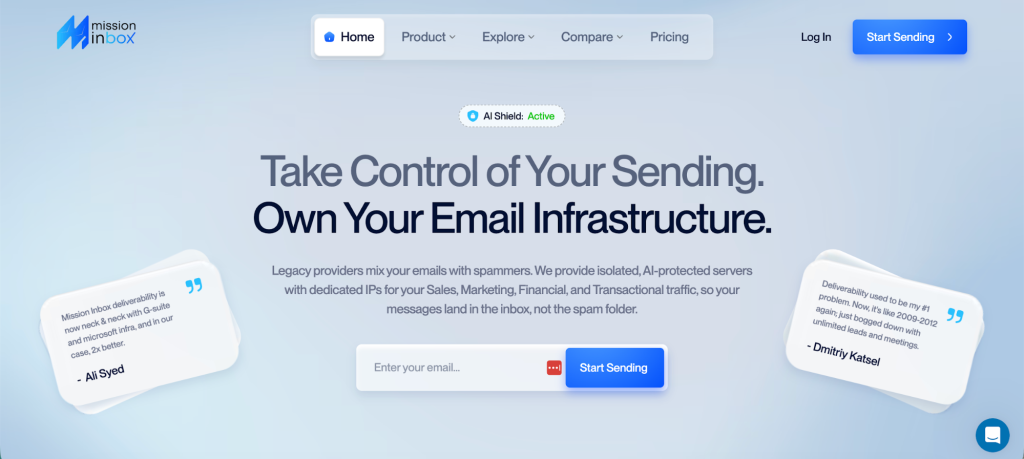
Mission Inbox gives businesses a full set of deliverability tools aimed at large-scale cold email sending. Its focus is on controlling every layer of outbound email infrastructure, from inbox creation to SMTP-level sending. With features like AI-powered filtering and custom DNS management, it offers a more technical solution for teams that want to push high volumes while keeping inbox placement strong.
Key features:
- Inbox Layer for creating thousands of inboxes in seconds
- Auto push DNS for easier domain authentication setup
- Pre-Send Shield, an AI-powered firewall for outbound email filtering
- OBM Engine, a high-volume SMTP with full reputation control, bounce handling, and feedback loops
- Deliverability logs and detailed performance statistics
Pricing:
The All-in-one Mission Inbox plan costs $199 per month, which includes 30 inboxes, 10,000 sends, and 20 credits. Additional inboxes and sending capacity can be purchased separately. OBM Engine pricing is not public and requires contacting sales.
Considerations:
❌ No publicly available user reviews
❌ Pricing for advanced packages requires a sales contact
❌ Lack of social proof may raise concerns for some buyers
What users say:
There are no verified user reviews currently available for Mission Inbox.
Mailforge
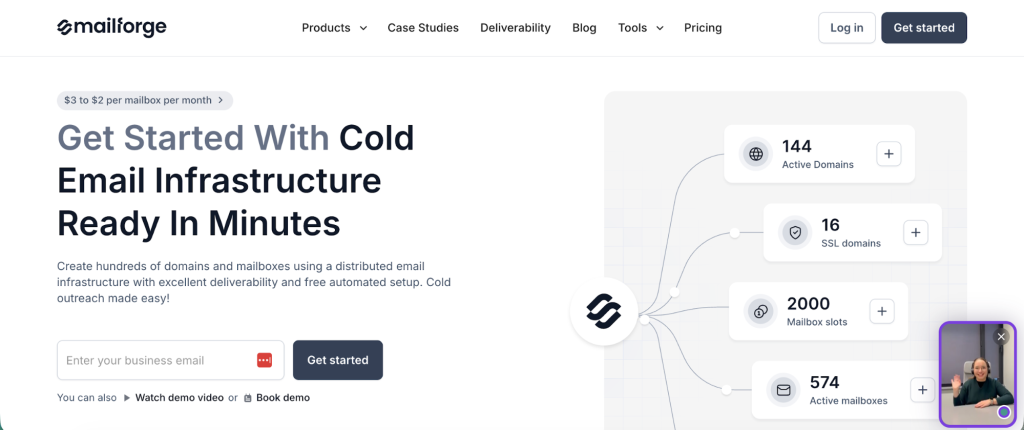
Mailforge helps outbound teams create and manage multiple domains and mailboxes for cold outreach. It focuses on deliverability and inbox placement by offering warmup, validation, and email infrastructure management tools. Teams looking to control every part of their cold email system without relying on their main domain will find Mailforge helpful.
Key features:
- Email warmup to build sender reputation gradually
- AI-generated email content using ChatGPT
- Unified inbox for managing replies across different platforms
- Webhooks and API integrations for advanced workflows
- Email validation before sending to reduce bounces
Pricing:
Prices depend on the number of required domains and mailboxes. For example, for 1,000 contacts, 4 addresses, 10 domains and one mailbox, the price is $140 for the domains and $25 per mailbox per month.
Considerations:
✅ Good control over domains and inbox infrastructure
✅ Built-in email validation and warmup tools
✅ API and webhook support for custom setups
❌ The user interface can feel complex
❌ Reporting and analytics are limited
❌ No LinkedIn outreach or dialer features
❌ Pricing is only available in USD
What users say:
“The things which I dislike about Salesforge is that the User interface is way too complex and it needs to be revamped so that the other users might not get difficult to work on.”
“Ability to have more convenient reporting & analytics. As well as having their own dialer + LinkedIn automation, it would be very helpful for us, as an agency. But they have these on their Q4/Q1 24 roadmap, so you shouldn’t worry about it.”
Conclusion
Should you use Maildoso for your private email infrastructure and overall cold email efforts? If you trust a tool with low email deliverability, then yes. Maildoso is not known for avoiding spam folders, which is the basis of every good cold email strategy.
Why not try Woodpecker instead?
We give you as many inboxes as you need, automated setup and inbox warmup, exceptional customer support, email verification, and many other tools to help win the cold email game.