Send one cold email campaign from many mailboxes

Inbox rotation spreads one cold email campaign across the email accounts you add to it. Each prospect is assigned one sending account and keeps it through every follow-up. Connecting the accounts is free on every plan.

4.5/5

Trusted by 13,000+ professionals in 101 countries

Doodle of one large envelope with dotted trails curving up from it toward four mailboxes standing in a row on posts

Each prospect gets one sender and keeps it

Add several email accounts to one campaign and each prospect is assigned to one of them. That account sends the opening email and every follow-up, so the whole thread carries one name, one address and one signature. Nothing changes sender halfway through a conversation. The assignment holds unless you remove that account from the campaign or from Woodpecker.

Each account brings its own From name and signature, so keep your own name out of the email body and let the signature introduce whoever is sending.

Replies from every account land in one place, the centralized inbox.
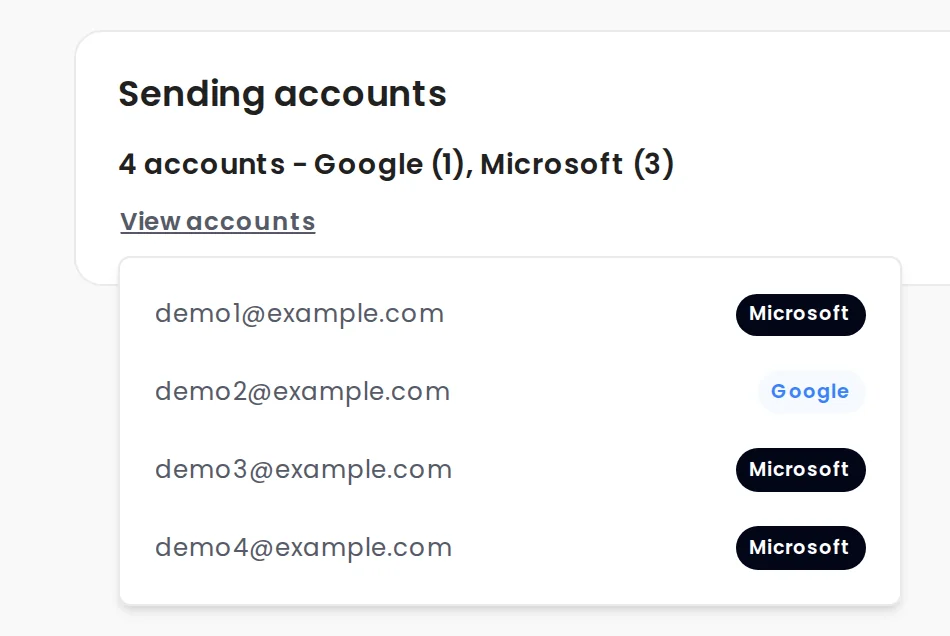
Woodpecker campaign summary listing the four email accounts that will send

Turn one campaign into ten senders in three steps

  1. An electric plug

    Connect the mailboxes

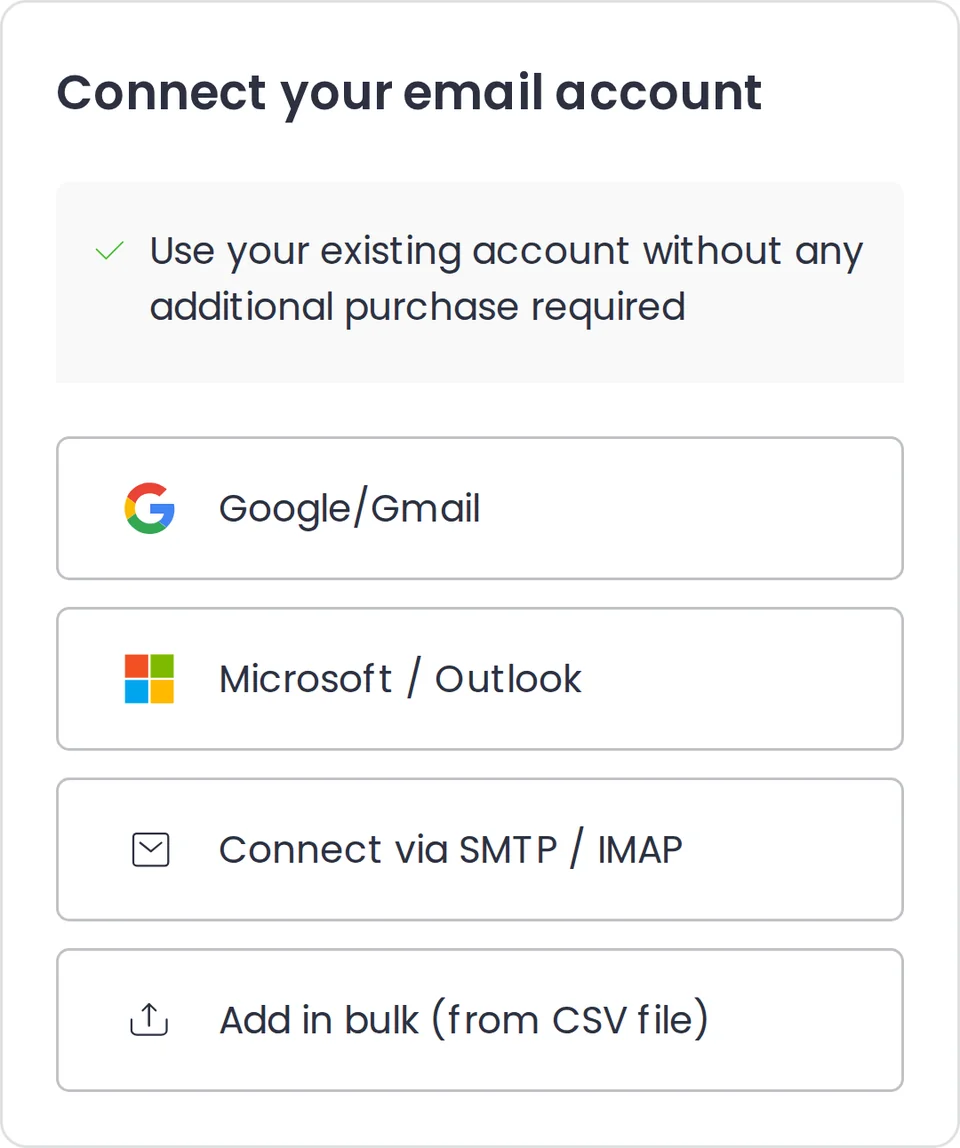
    Connect email accounts in Settings: Google, Microsoft or your own server over SMTP and IMAP. Upload a CSV with up to 200 email accounts to add them in bulk.

    Woodpecker dialog for connecting an email account, listing Google, Microsoft, SMTP and IMAP, and add in bulk from a CSV file
  2. A stack of four envelopes

    Add them to one campaign

    Add as many of them as you need to one campaign, at no extra cost. The cap is 100 email accounts per campaign.

  3. A magnifying glass

    Check who will send

    Check the campaign summary, which lists every address that will send and the provider behind each account.

    Doodle of a clipboard with a short list standing beside a mailbox on a post

Ten mailboxes send ten times as much, at the same pace

One campaign, 40 a day One mailbox Ten mailboxes, one campaign
Prospects contacted per day Daily limit caps opening emails per mailbox. 40 is the app's own example, and Woodpecker advises 25–35. One mailbox 40 Ten mailboxes, one campaign 400
Opening emails per mailbox Each account also has its own daily limit. It covers follow-ups too, and it is shared across campaigns. One mailbox 40 a day Ten mailboxes, one campaign 40 a day
If you take one mailbox out One mailbox Prospects wait for a sender Ten mailboxes, one campaign Others pick them up
Signature on each email One mailbox Always the same one Ten mailboxes, one campaign Matches the sending mailbox
Stats you can open per mailbox One mailbox This one mailbox Ten mailboxes, one campaign Any mailbox, or all of them
What they add to your bill One mailbox Nothing, billing is per prospect Ten mailboxes, one campaign Nothing, up to 100 of them

Connect unlimited mailboxes, because you pay per prospect

Woodpecker bills for contacted prospects, not for mailboxes or seats. Connect as many email accounts as you need, and use up to 100 of them in one campaign. The second account and the fiftieth change nothing on the invoice. Plans start at $35 a month for 500 contacted prospects, and rotation comes with every plan, not as an inbox rotation tool you buy on the side.

If you do not have enough accounts, you can buy them inside Woodpecker. That is priced separately: $6 a month per email address for Google or Microsoft, $4 for Maildoso or Mailforge. The meter is on the pricing page.

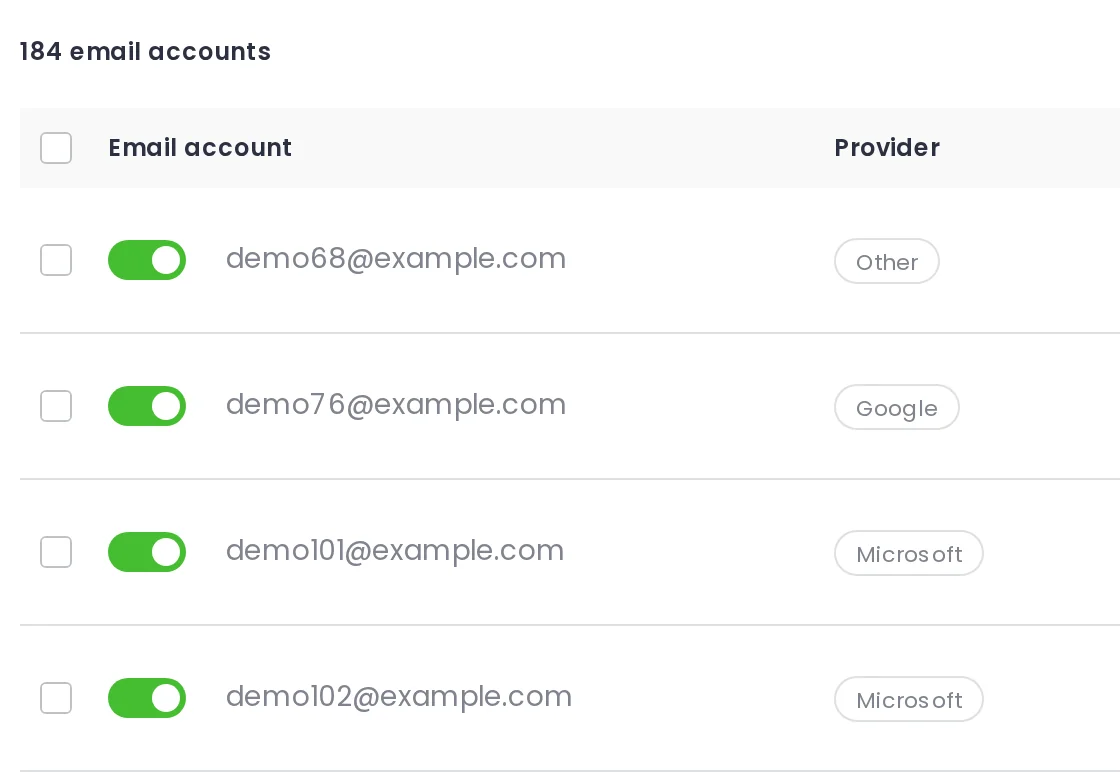
Accounts tab showing connected email accounts with the toggle that takes one out of sending

Mailboxes that send less have better reply rates

Median reply rate by average emails a day per mailbox, across 7,676 mailboxes that sent at least 500 emails in the last 90 days.

Median open rate runs 41% at 1–20 a day against 23% at 101–200. Rotation lowers volume per mailbox, not campaign volume. Cold email benchmarks

Warm up, throttle and match every mailbox you rotate

Inbox rotation software is only as good as the accounts behind it. These four run in the same campaign.
An hourglass

Free warm-up

Warm up every new or inactive email account before it joins a campaign. Warm-up slots come with your plan.
A clock face

Adaptive sending

Each account sends at a human pace, no more often than every 90 to 140 seconds, around 30 emails an hour.
A signpost with two arms

ESP matching

Matches the prospect's email service provider (ESP) to the account that sends. Works for Google and Microsoft accounts connected with OAuth.
A shield with a check mark

Bounce Shield

Watches the bounce rate for the whole campaign and pauses it at your threshold. The default is 2%.

Questions people ask before turning inbox rotation on

  • Will follow-ups come from the same mailbox as the first email?

    Yes, unless that email account is removed from the campaign or from Woodpecker. Then the assignment restarts and those prospects may hear from a different sender. If you add accounts after the campaign has started, prospects who were already contacted keep their sender. The prospects nobody has emailed yet are spread evenly across the accounts you added.

  • How many email accounts can one campaign use?

    Up to 100 email accounts in one campaign. There is no cap on how many you connect to Woodpecker itself, so the limit is per campaign. Adding accounts in bulk is faster than one at a time. Upload a CSV file with up to 200 email accounts, kept under 200 KB, and Woodpecker lists what connected and what failed.

  • Can one email account send for several campaigns?

    Yes, and the limits follow the account, not the campaign. Each account has its own daily limit, and every campaign running from it that day shares that limit. It takes precedence over the Daily limit you set inside a campaign. Set an account's own limit to 70 a day, run three campaigns from it, and each campaign sends about 23 emails. Emails due at the same moment go into one queue, with follow-ups ahead of opening emails.

  • How many mailboxes do I need for my volume?

    It depends on how many prospects you contact each month and how fast you want to reach them. Two published numbers help you plan. Woodpecker recommends around 25–35 emails per mailbox per day and advises against going over 50. A domain should carry 2–3 accounts at most. Put your monthly volume into the infrastructure calculator and it returns the accounts and domains to buy.

  • What happens if I turn one mailbox off mid-campaign?

    The prospects assigned to it lose their sender, and the other accounts in the campaign pick them up. The toggle in the Accounts tab stops an account from sending without disconnecting it from Woodpecker. If no other account is left in the campaign, the prospects wait on hold until an account that matches their status is assigned. Follow-ups are prioritized over opening emails, so that can take a while.

  • Why did one mailbox send far more than another?

    Because each account sends using its own settings. Two accounts with different daily limits or different sending limits take different numbers of prospects, and the one with more room takes more. The other common cause is a problem on one account early in a campaign. The prospects it left without a sender end up with the account that is working. Give the accounts matching limits and intervals and the split evens out.