


Cold outreach often feels like juggling flaming torches. You’re trying to stand out in a crowd of LinkedIn automation tools without burning your LinkedIn account.
Let’s look into the landscape of competitors, see where Dripify shines and stumbles, and discover why Woodpecker is the best Dripify alternative for your business.
Why LinkedIn automation matters
Sales teams around the world rely on LinkedIn and email to find prospects and close deals. Manual prospecting isn’t scalable, so teams turn to a LinkedIn automation tool that handles tedious tasks like connection requests and follow ups.
These tools reduce repetitive tasks and let you focus on the conversation. However, the stakes are high: you must respect LinkedIn’s terms of service, keep your LinkedIn account safe and avoid getting LinkedIn account flagged for suspicious activity.
Many companies use LinkedIn for outreach, but you can’t survive on LinkedIn alone. To compete in modern sales, you need tools that handle LinkedIn outreach and email outreach together.
The right platform should make life easy whether you’re managing multiple clients or a single, nimble team. If you juggle multiple LinkedIn accounts or run multiple campaigns across different verticals, you need robust features that keep everything organized.
Tools with sales automation also support testing messages and subject lines (we’ll touch on B testing later).
Understanding Dripify
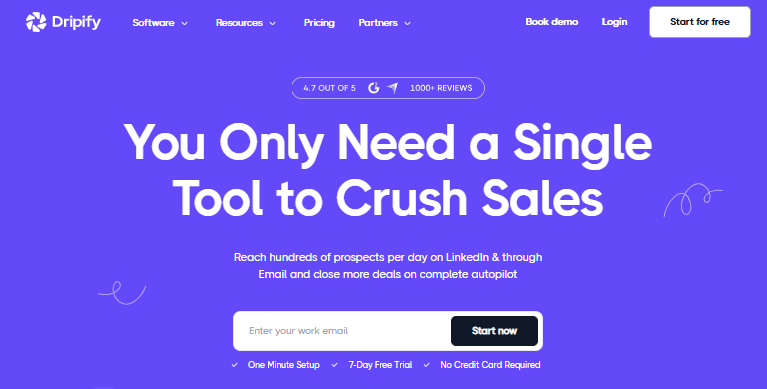
Dripify is one of the most prominent LinkedIn automation platforms. It automates connection requests, messages, and follow-ups, and it has a solid reputation for creating sequences quickly.
Dripify’s basic plan starts at $59 per user monthly and includes core LinkedIn automation features and an advanced dashboard. The pro or advanced plan ramps up to $99 per user monthly and adds a personal inbox, A/B testing and team management.
Users highlight Dripify’s strong analytics dashboard: “The analytics dashboard gives clear insights into campaign performance, letting me fine‑tune strategies”. Another reviewer likes that it “is a great ‘set it and forget it’ setup”. These testimonials praise Dripify’s ability to handle campaign performance and free up time.
However, some users have voiced frustration. According to one review, the system’s automation capabilities are powerful, but “if you choose an action that isn’t applicable on a lead’s profile … that lead cannot continue through the sequence”.
Other complaints center on the inability to integrate email and LinkedIn into one sequence: Dripify “cannot run LinkedIn and email sequences together in one campaign”. From a support perspective, users say that Dripify has “slow and unresponsive” support and reports of bugs and continued billing after cancellation.
Perhaps most concerning, a number of users reported LinkedIn account restrictions and even accounts getting banned. When a tool’s actions raise red flags with LinkedIn’s security algorithms, it’s no longer just automation – it’s a liability.
Dripify’s place in email automation tool options
Dripify remains a powerful automation tool for businesses that operate primarily on LinkedIn. The platform’s advanced automation tasks, such as endorsements and skill endorsements, are useful when used properly. The software can track LinkedIn messages, collect analytics on LinkedIn users, and manage LinkedIn profiles.
If you need to generate connection requests and send personalized LinkedIn messages quickly, Dripify may serve you well. Its advanced features include a personal inbox, A/B testing, and even sales automation tool capabilities such as automated message scheduling and follow-ups.
With its paid plans, Dripify handles sales processes, from lead capturing to nurturing, and can create unlimited active campaigns within a single account.
However, the pricing can add up, especially when you want to run sequences across multiple platforms. Dripify’s advanced plan offers team management but charges by the user, making it less cost-effective for growing teams.
Woodpecker = the best Dripify alternative
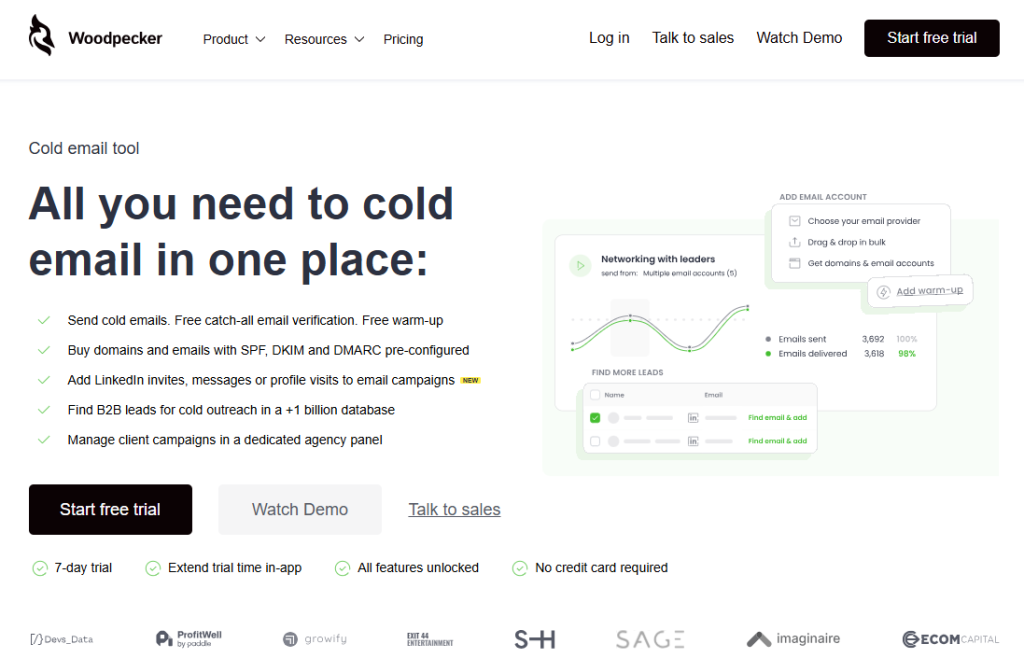
Given these challenges, it’s no surprise that businesses search for a best Dripify alternative. Woodpecker often tops those lists, and for good reason.
First, Woodpecker isn’t just a LinkedIn automation tool: it’s a multichannel engine that handles both email and LinkedIn campaigns. According to its positioning document, Woodpecker covers all mandatory steps for cold emailing in one place and has recently added LinkedIn outreach features. It supports multichannel outreach, so you can run an email sequence and immediately follow up via LinkedIn invites or messages.
One standout feature is that Woodpecker verifies email addresses for free and unlimited – no other tool includes catch-all verification as part of its core service. It also includes free warm‑up service (up to a point) to help protect your sender reputation.
This attention to deliverability appeals to teams worried about account safety. You can access a huge database of B2B leads – more than a billion entries, via People Data Labs and other partners. That means you get lead generation campaigns ready to go.
Woodpecker’s infrastructure options offer both private and shared setups. If you want to maintain deliverability and keep your LinkedIn account safe, a private server ensures you’re the only one sending through your domain.
Shared setups rotate IP addresses for reliability. The tool can even sell you Google or Microsoft domains with all DNS settings preconfigured – ideal for non‑technical people or those short on time.
For agencies, Woodpecker includes a dedicated panel to manage multiple clients, complete with separate prospect databases, fast loading times, and the ability to send 60 million emails per month without slowing down.
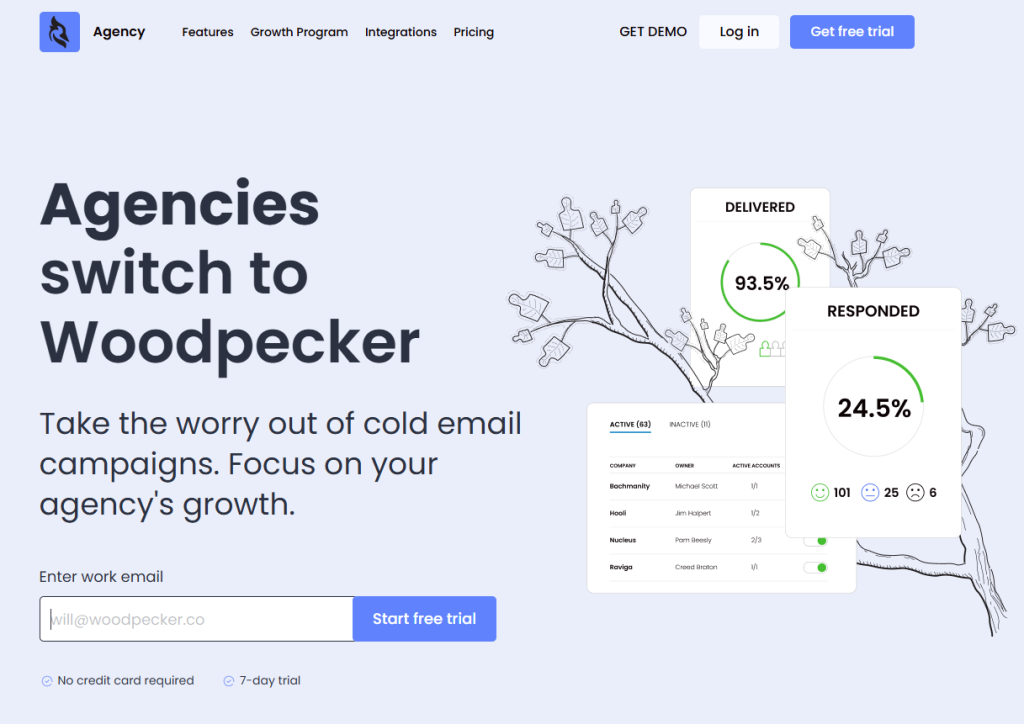
Bulk actions such as stop, pause, or start campaigns and mass email account uploads also appear on the list. There’s also a smart inbox and built in analytics, plus features like multi‑language email organization, global blacklists, and an agency outreach calendar.
Woodpecker’s pricing model sets it apart: you can invite unlimited users and connect unlimited mailboxes on any plan. The feature set remains consistent across plans; the difference is in consumption parameters and account management.
The pricing is transparent, with a calculator showing the total cost of your selected plan and add-ons. LinkedIn slots cost $29 per month, roughly half the cost of some dedicated LinkedIn tools. The free trial lasts seven days or up to 50 contacted prospects.
These features, combined with the absence of per-user pricing, make Woodpecker ideal for unlimited campaigns and budget-conscious companies.
What people say about Woodpecker
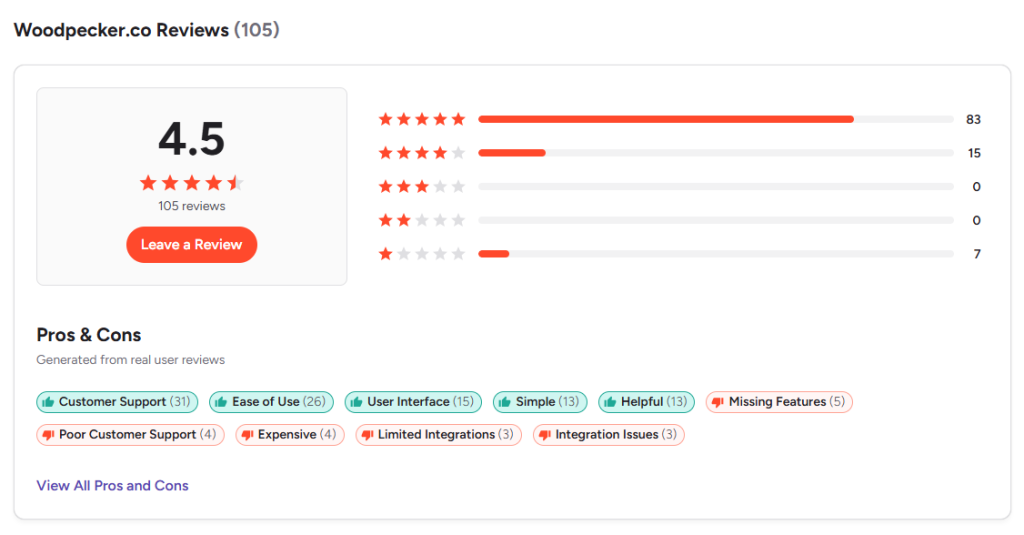
User feedback backs up Woodpecker’s claims. One reviewer wrote “Woodpecker is super simple to use and the customer service is absolutely the best”. Another user praised its speed: “They are the best software out there for cold emailing campaigns … I can have a campaign running in 10-15 minutes”.
People also appreciate that it “saves a lot of time on emailing and following up,” and the support team “goes to great lengths to make sure you understand the answers”.
Negative experiences underscore that no tool is perfect. Yet the majority of reviews highlight strong deliverability, time savings, and responsive customer service.
Considering that Woodpecker has been on the market since 2015 and has solved most infrastructure challenges, it makes sense that many agencies turn to it as their best Dripify competitor.
Comparing Dripify vs Woodpecker
How does Woodpecker stack up in a Dripify vs comparison?
Dripify shines with its LinkedIn prospecting and dashboard analytics but lacks true email automation integration.
Woodpecker delivers both, combining LinkedIn sequences with personalized email touchpoints in a single multichannel outreach sequence.
Where Dripify’s pricing scales per user, Woodpecker charges by consumption, making it friendlier for large sales teams and agencies handling multiple platforms.
Dripify’s advanced features like A/B testing and a personal inbox are nice extras. But Woodpecker includes free B testing via integrations, free email warm-up, and unlimited catch‑all verification, so your lead generation is smoother.
Dripify requires careful steps to avoid LinkedIn account restrictions and, according to some users, may cause a ban if used aggressively.
Woodpecker’s infrastructure and warm-up service aim to keep your LinkedIn account safe.
Exploring other tools
Of course, Woodpecker isn’t the only competitor. A variety of other tools exist for LinkedIn and email automation.
There are at least ten major Dripify alternatives with unique features. Options like Closely, Reachy, Expandi, and Linked Helper offer AI personalization, behavioral simulations, and robust CRM integrations. Some integrate with Sales Navigator for deeper prospect data, while others like Octopus CRM are simple and low-cost.
Salesflow and SalesRobot go beyond LinkedIn, supporting LinkedIn and email automation and pulling prospects from CSVs or Sales Navigator searches.
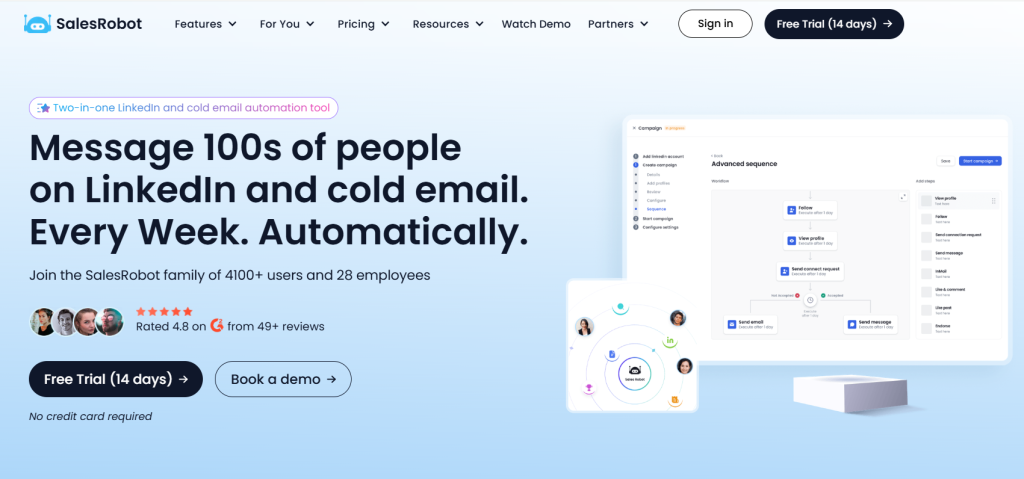
SalesRobot’s cloud-based approach ensures no risk of being banned and features tier-based pricing to add accounts cheaply. If you want AI-driven sequences or a tool that handles multiple clients, these competitors may fit.
HubSpot, with its HubSpot Sales Hub, combines CRM and outreach under one roof.
Tools like Sales Navigator and LinkedIn recruiter assist with prospecting and candidate sourcing.
Some platforms also highlight features like personalized connection requests, endorse skills to get attention, and detailed lead data.
What to look for
When evaluating your next automation platform, think about the tasks you do every day.
- Do you need to send messages and follow ups automatically?
- Are you coordinating sales processes for a large team?
Consider whether you want unlimited campaigns or a free plan to start small. Look for tools with detailed analytics and campaign stats so you can measure track team performance. Search for features like advanced search filters, a user friendly interface, and the ability to track track campaign performance.
If you plan to run A/B tests, make sure the tool supports B testing. For agencies managing multiple clients, features like bulk campaign actions, separate prospect databases, and central billing will save time.
A smart inbox that consolidates messages helps keep your LinkedIn inbox organized. A good tool should integrate with CRM and email marketing systems, and features like built in analytics and campaign performance dashboards are essential for strategy.
And don’t forget advanced search filters and multiple campaigns if you want to segment prospects by industry or role.
Final thoughts
Choosing the right platform depends on your goals. If you rely solely on LinkedIn and want simple message sequences, Dripify may work, but be careful to avoid LinkedIn account restrictions and weigh the cost of per-user pricing.
If you’re looking for comprehensive outreach across email and LinkedIn with strong deliverability and unlimited user access, Woodpecker stands out and you should try it for free. Its unlimited free catch-all verification, free warm-up service, massive lead database, and transparent pricing make it a strong choice.
As you map out your LinkedIn outreach strategy, remember to focus on value for prospects. Use automation to start conversations, then step in personally to build relationships.
With tools like Woodpecker, you can run outreach campaigns without sacrificing account safety and craft sequences that feel human.
After all, a good sales process isn’t just about automation – it’s about connecting with people, one thoughtful message at a time.